3 minutes
Xello’s integration with Beable allows you and your students to access Beable directly from Xello using single sign-on (SSO).
This cross-linking experience enables students and educators who have active accounts on both platforms to jump back and forth seamlessly without having to sign in again.
Beable is a K-12 digital learning platform that combines literacy development with career exploration to create personalized learning pathways. By delivering content tailored to each student's reading level while connecting reading topics to their personal career interests, Beable helps accelerate literacy growth and build real-world readiness.
How the SSO integration works
The integration uses single sign-on (SSO) to connect your Xello and Beable accounts.
To use SSO, accounts must already exist in both Xello and Beable. When you or your students click the partner link, Xello checks behind the scenes to match the student or educator ID or email address with the corresponding Beable account. Once a match is confirmed, you are logged in automatically.
Student access to Beable
Students access Beable directly from within their Xello account. From any page in Xello, from the top right corner, they click their avatar and select Beable. Their account in Beable will open in a new tab.
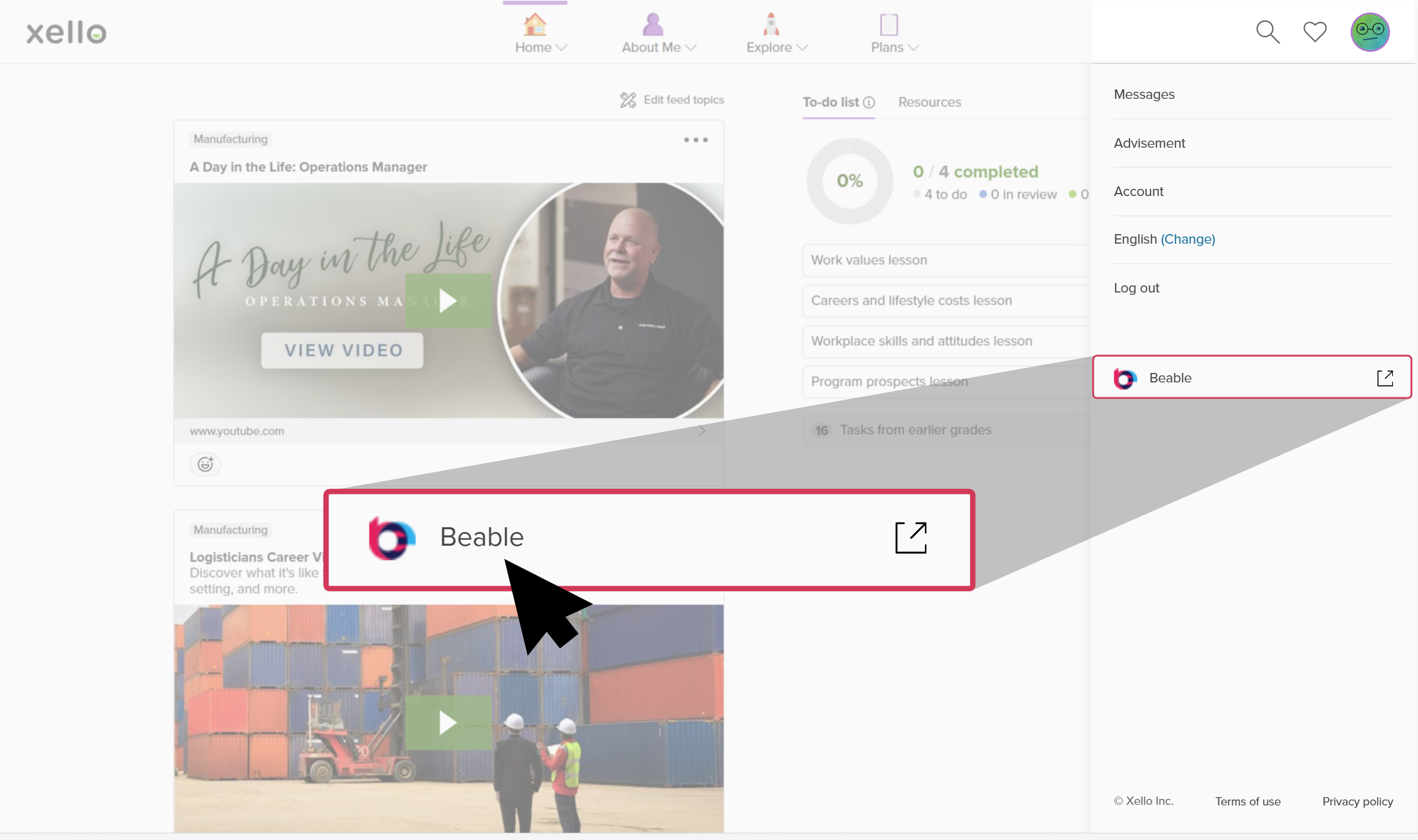 Xello 6-12 access to Beable
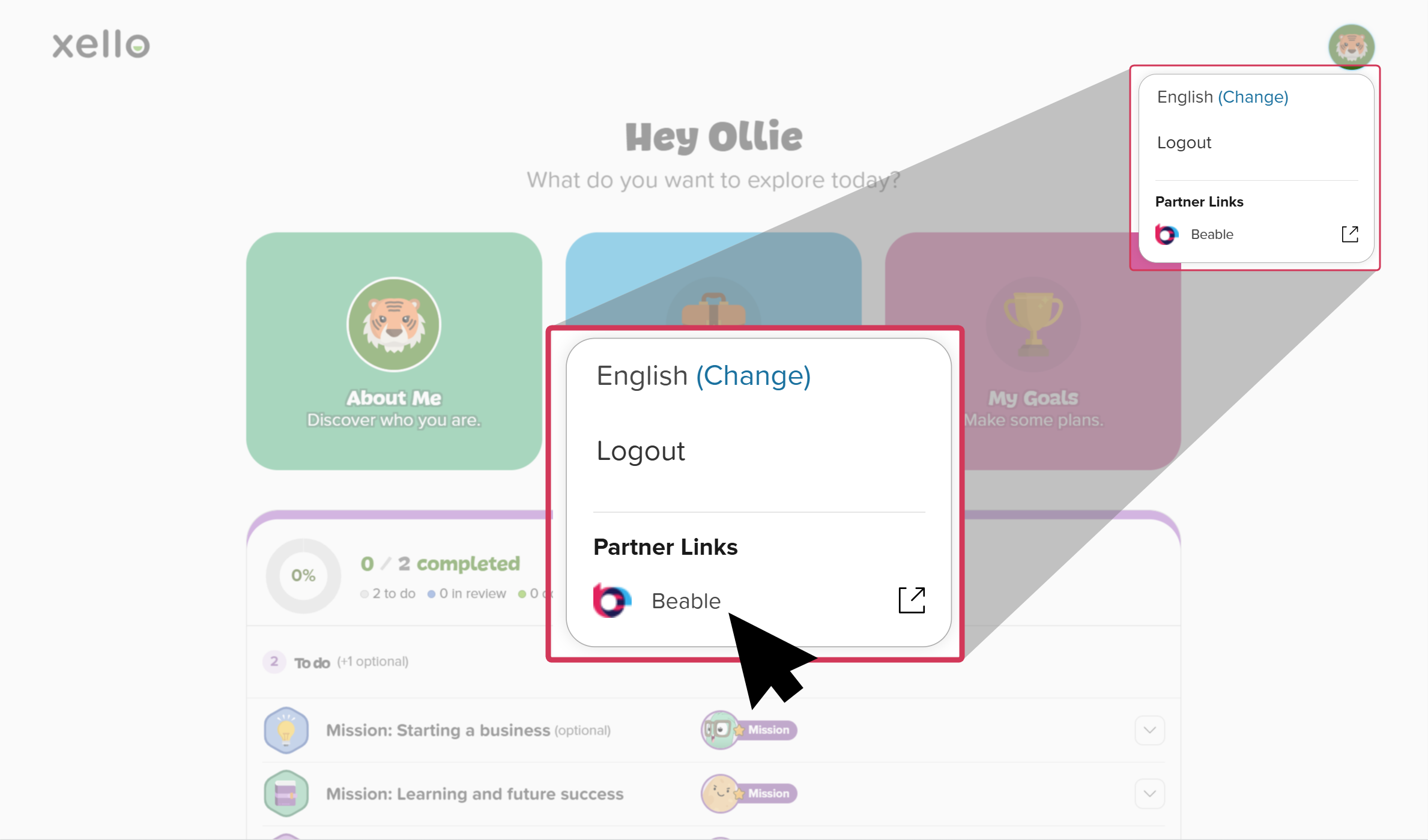 Xello 3-5 access to Beable
Educator access to Beable
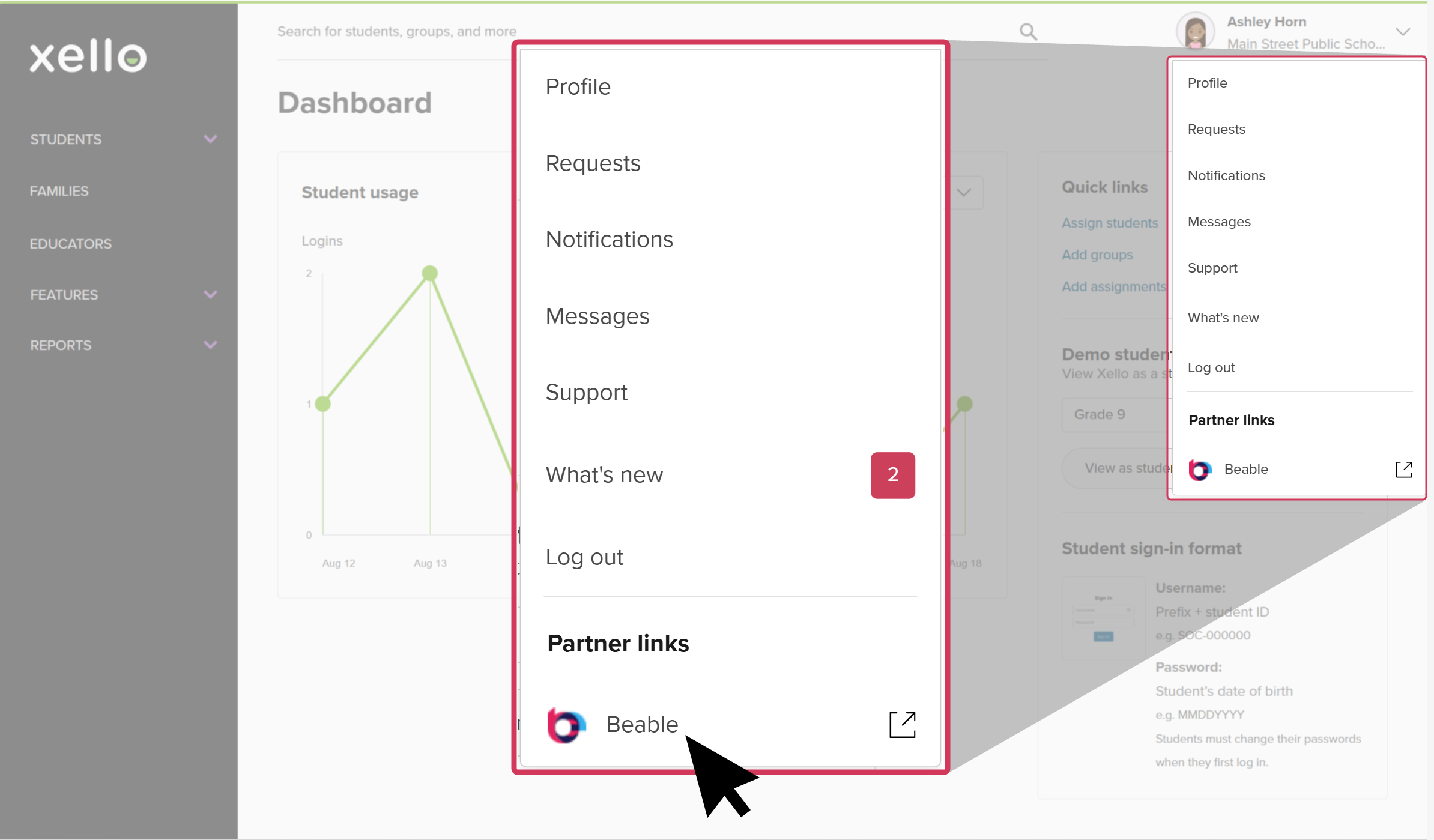
Once the integration is enabled for your district or school, you can access Beable directly from your educator account in Xello. From any page in Xello, from the top right corner, click your avatar and under Partner Links, click Beable. Your account in Beable will open in a new tab.
Need help with Beable?
If you need help with your Beable account, including accessing from Xello, please reach out to the Beable support at support@beable.com.
 Back to top