


 6 minutes
Xello has three educator access types, each providing a different level of access to program settings and student information.
Find out your permissions
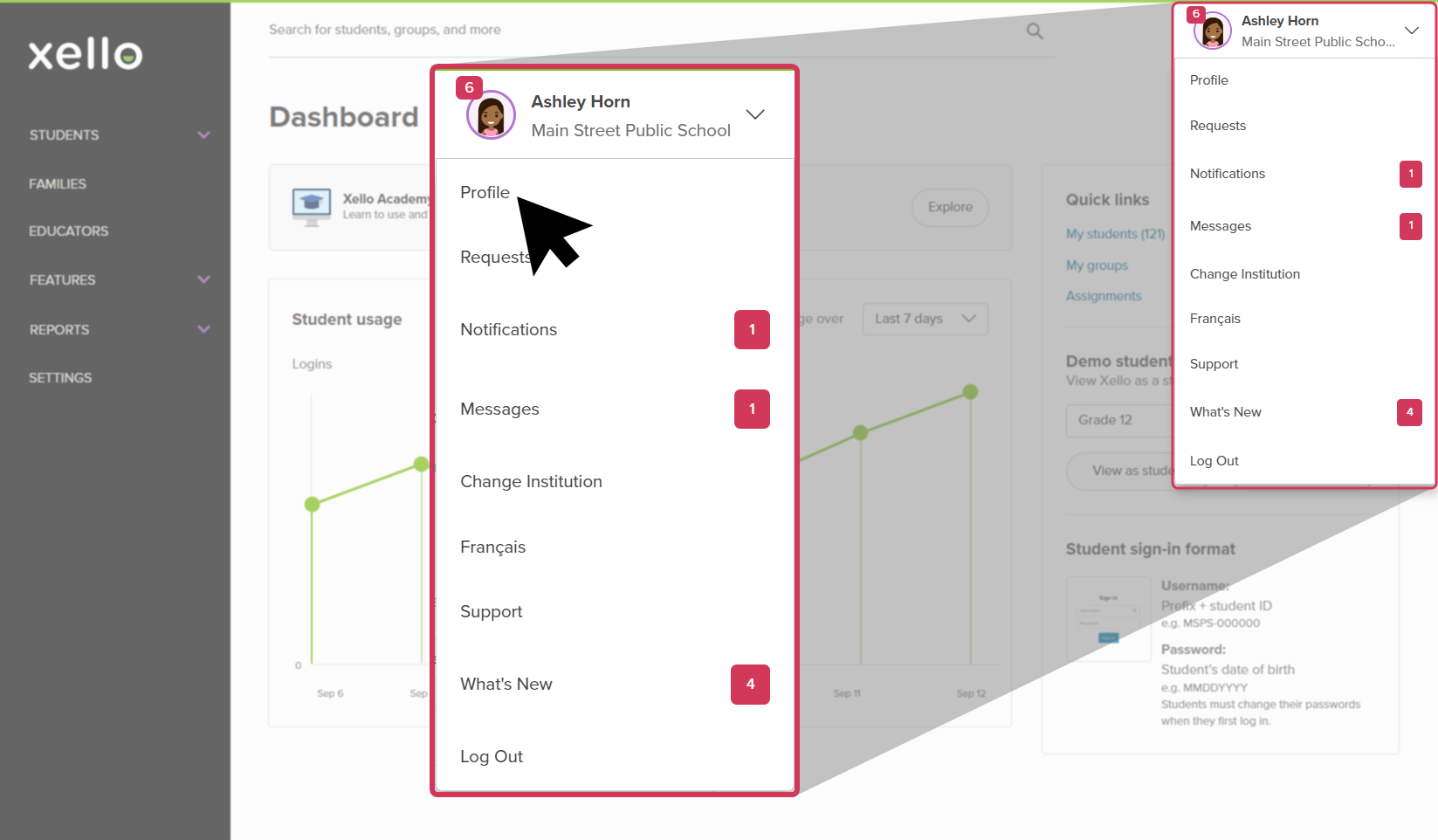
To check your own permissions, click your name in the top right corner of your educator account, select Profile, and view the Permissions section.
Xello's educator access types
The three permission levels for Xello are:
Administrator access
Administrators make sure the program is configured to meet student and educator needs. Administrators can change system settings, Change an educator's access level, Assign a student,
User level access
Users work with students or other educators. Users cannot change system settings or create new educator accounts. These users can access full profile details for all students at their institution. This is the most common access type.
Limited access
Limited access educators work with small groups of students and require access to only those student profiles. These users can see directory information (name,
 Back to top
Course Planner permissions
Course Planner in Xello lets educators help their students plan and manage their course load in middle and high school. Your user level permissions will determine the tasks you can complete in Course Planner.
District Administrators have full access and control. They can create and edit courses and course rules, and manage diplomas or specializations. They can also view and work with student course plans. They can also add and manage all schools' settings like deadlines and grades if this has been configured for the district level.
School Administrators can enable the course availability, and customize their own school's Course Descriptions and Course Notes. They can also view and work with student course plans.
 Important note:
- If the district has enabled the school-level Settings control, School Administrators can also add and manage their own school's settings, like deadlines and grades. Reach out to your Onboarding Manager to review the Settings controls.
- Once the course description and course note have been modified for the school, any changes made at the district level will NOT be reflected for the school.
| Course Planner task | Administrator | User | Limited access |
|---|---|---|---|
| View and share the Course guide (at a school) |

|
|
|
| View student course plans |
|
|
Assigned students only |
| Change Course Planner settings |
|
- | - |
| Add/edit courses and course rules |
|
- | - |
| Add/edit diplomas and specializations |
|
- | - |
| Run Course Planner reports |
|
|
|
| Assign/recommend a course to a student |
|
|
Assigned students only |
| Apply an exemption to a student's course plan |
|
|
Assigned students only |
| Bulk add/remove multiple courses for students (school level only) |
|
|
Assigned students only |
| Change a student's graduation diploma |
|
|
Assigned students only |
| Export and print student course plans |
|
|
Assigned students only |

