2 minutes
Help your student's parent/guardian stay informed of how their child is doing in school by using Xello's
 Tip: To help parents learn how to access advisement sessions in their Xello Family account, share with them this Parent/guardian quick guide on guidance sessons
  .
.
How parents access
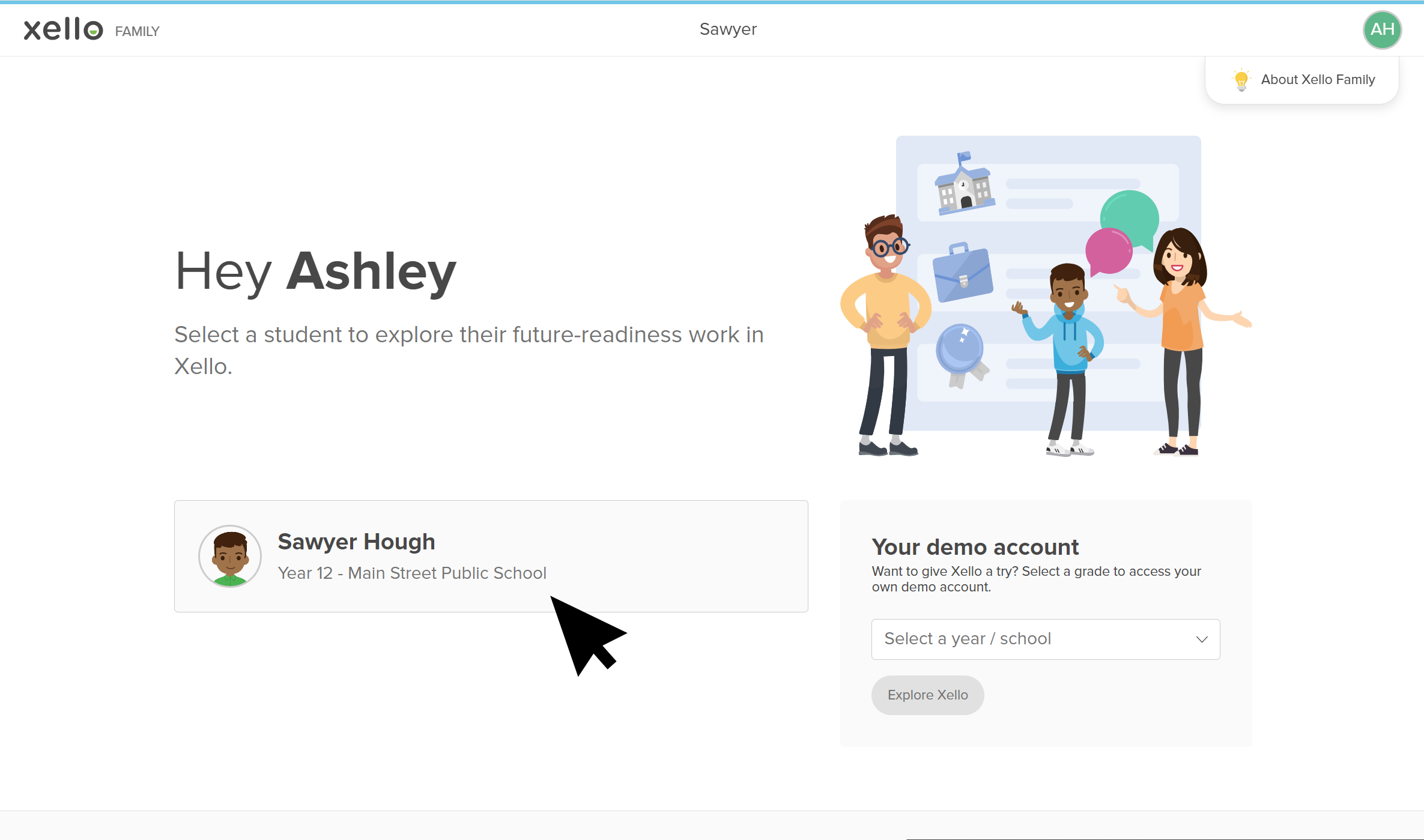
- Parents log in to their Xello Family account.
- They select the name of the child's profile.
 Click to enlarge
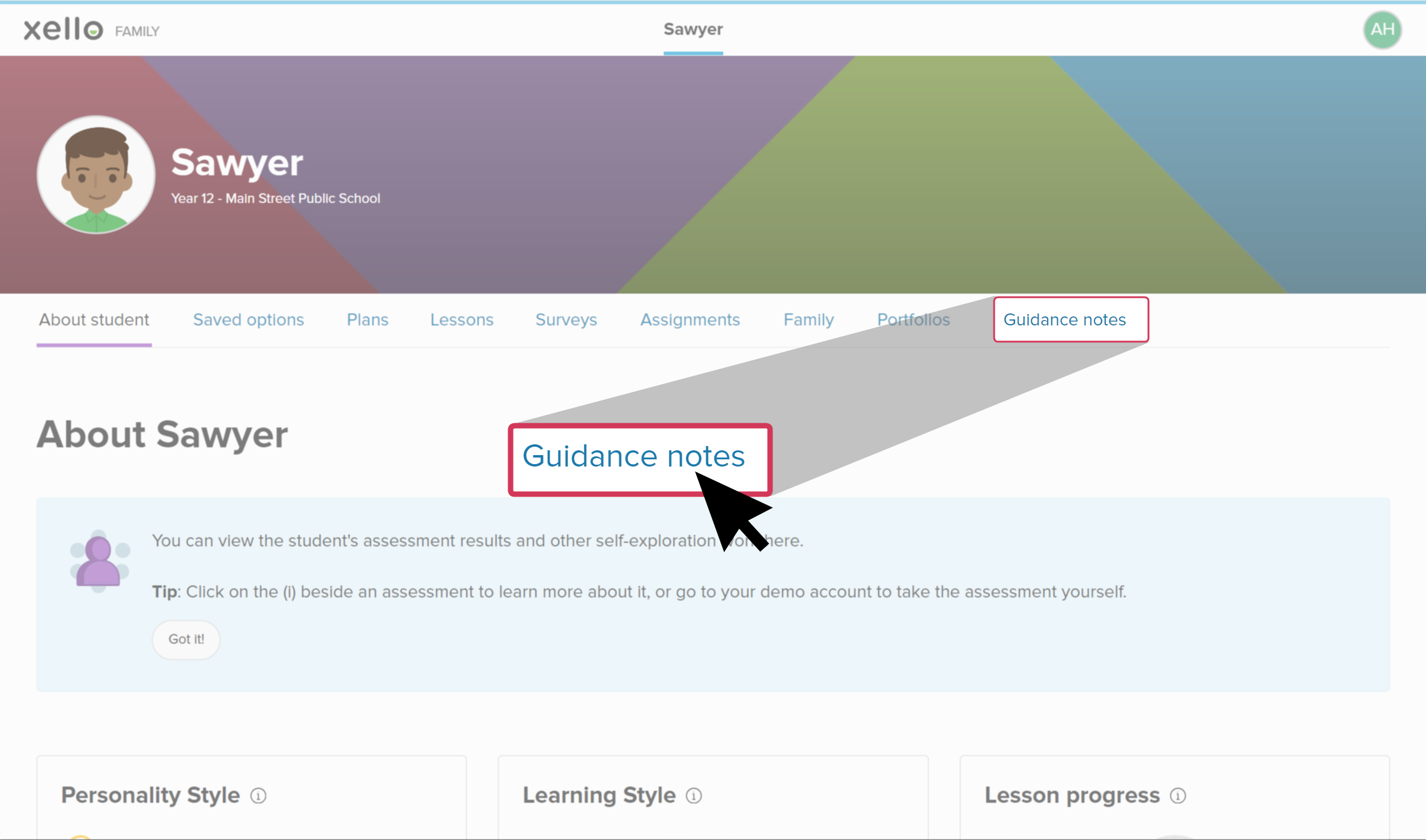
- They click the
 Click to enlarge
- Any notes that teachers have made visible will be listed in order of when they were made. If the note includes the meeting date and any attachments, parents will be able to view those, as well.
 Click to enlarge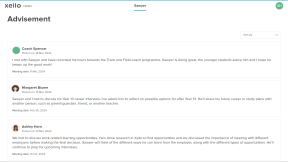
 Back to top
Additional resources
-
 PDF
PDFParent/guardian quick guide for guidance notes
PDF
PDFParent/guardian quick guide for guidance notesA guide to help parents access guidance notes in their Xello Family account.