2 minutes
Students use Xello to find and request opportunities to participate in. Once the student has had their request approved and has begun the opportunity, they can use Xello to track their details.
Request an opportunity
As students browse through opportunities available in Xello, they can show their interest by requesting to participate in the opportunity.
How students request an opportunity:
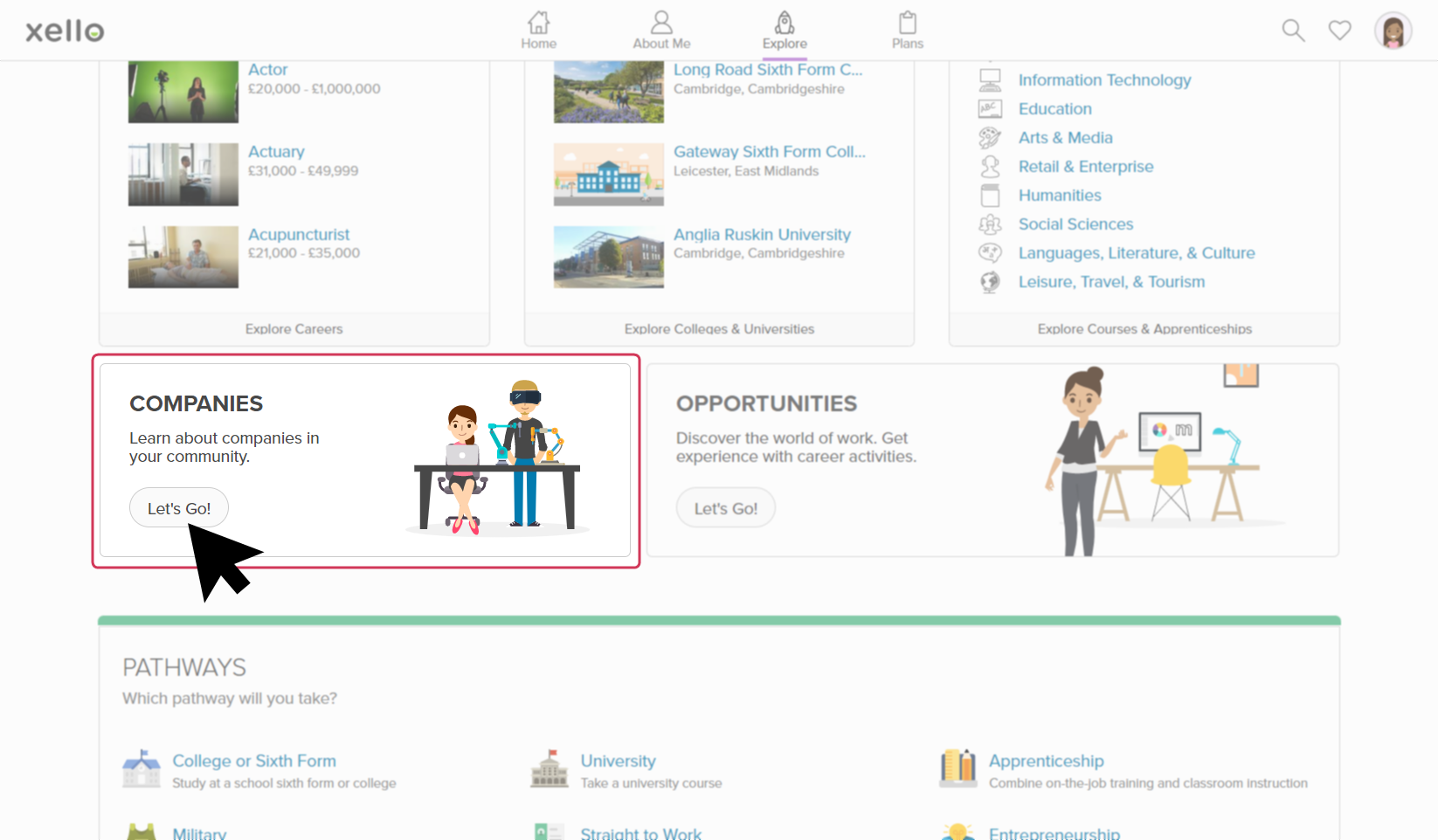
- From the Explore dropdown located at the top of any page, or on the Explore page, they click Opportunities.
 Click to enlarge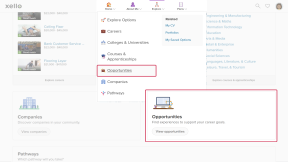
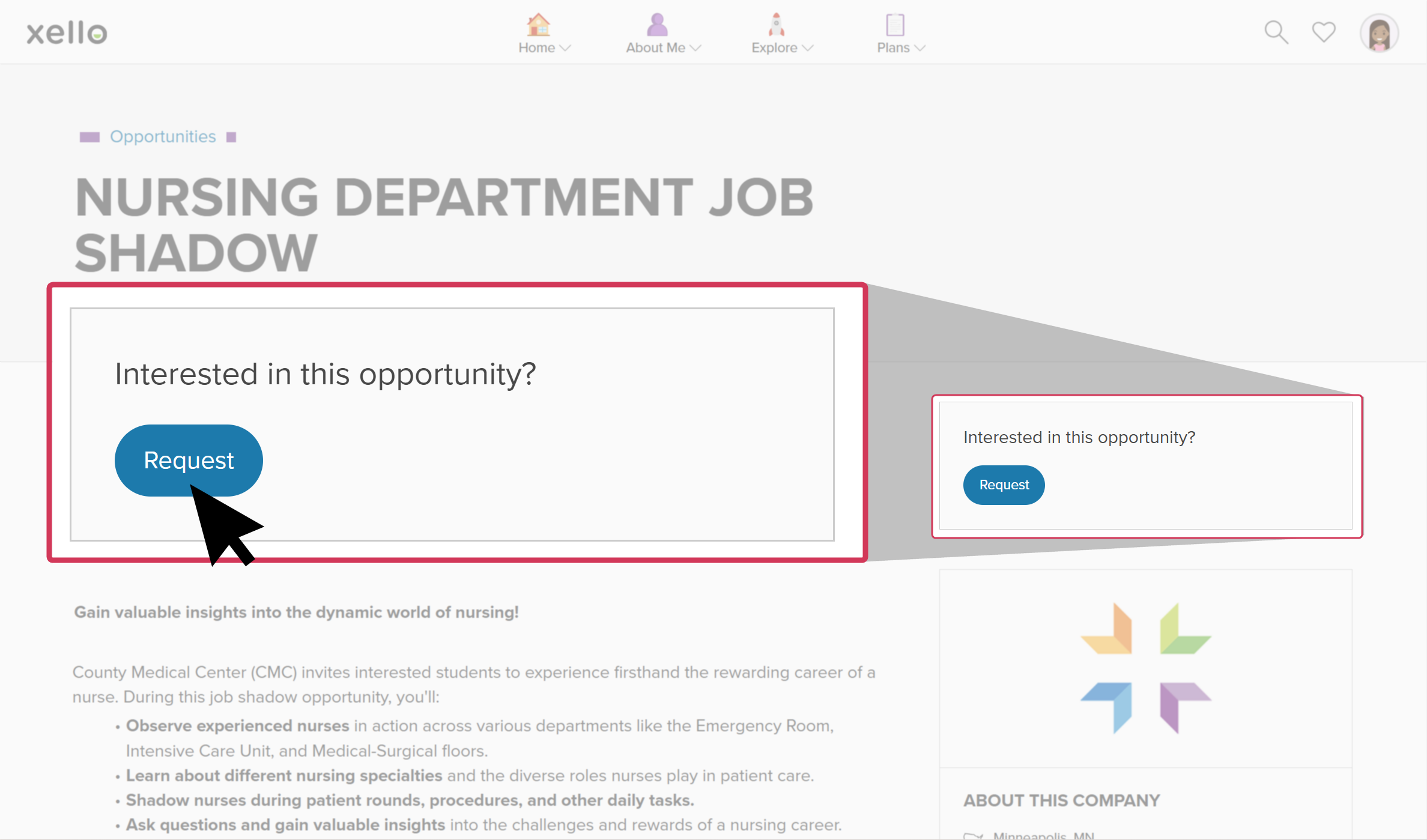
- They explore the opportunities and once they've found one they like, they click Request.
 Click to enlarge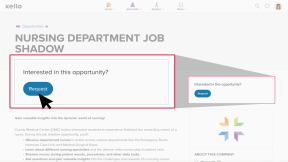
- They confirm the request and click Yes, Request.
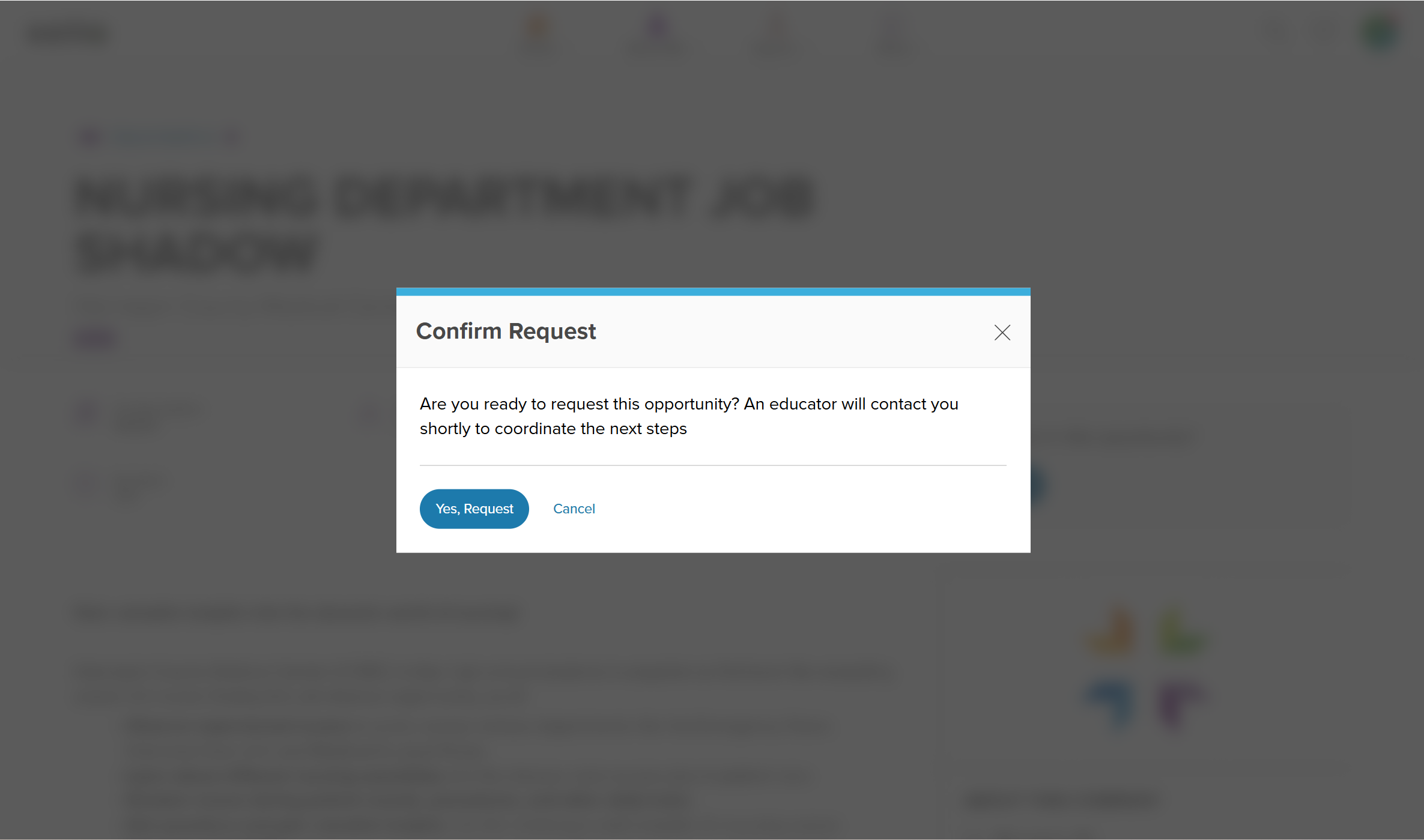 Click to enlarge
- An educator will then review their request and update the student's status accordingly.
 Back to top
Apply directly to an opportunity
Some opportunities will have been added to Xello for students to apply directly to the opportunity through the means the company has set up. On the opportunity profile, rather than a link to request, the student will click a link to visit the application site where they'll get more information.
After the student has applied outside of Xello, they can return to the opportunity to tick that they have applied. Meanwhile, educators will update the student's status to Hired/Selected and the student can then track the opportunity the same as any other.
How students apply directly to an opportunity:
- From the Explore dropdown located at the top of any page, or on the Explore page, they click Opportunities.
Click to enlarge
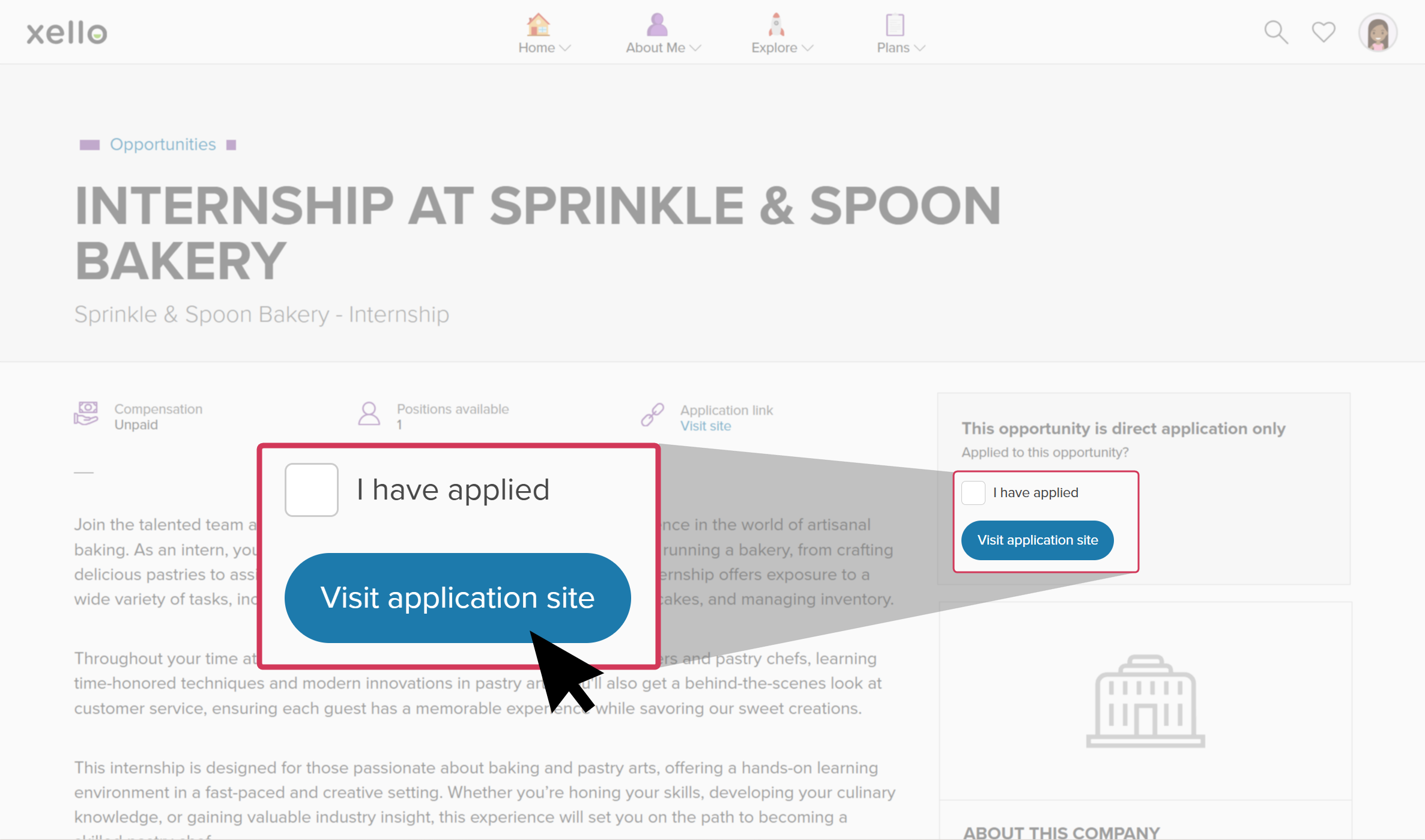
- If the opportunity they're interested in requires direct application, the student clicks Visit application site to open the site in a new tab.
 Click to enlarge
 - They complete the application outside of Xello. Once they've applied, they return to the opportunity in Xello and tick I have applied.
- An educator will see the student's status as "Application submitted" where they can then update the status.
- The student will access and track the opportunity in Xello the same as any other opportunity they've been selected for.
Access an active opportunity
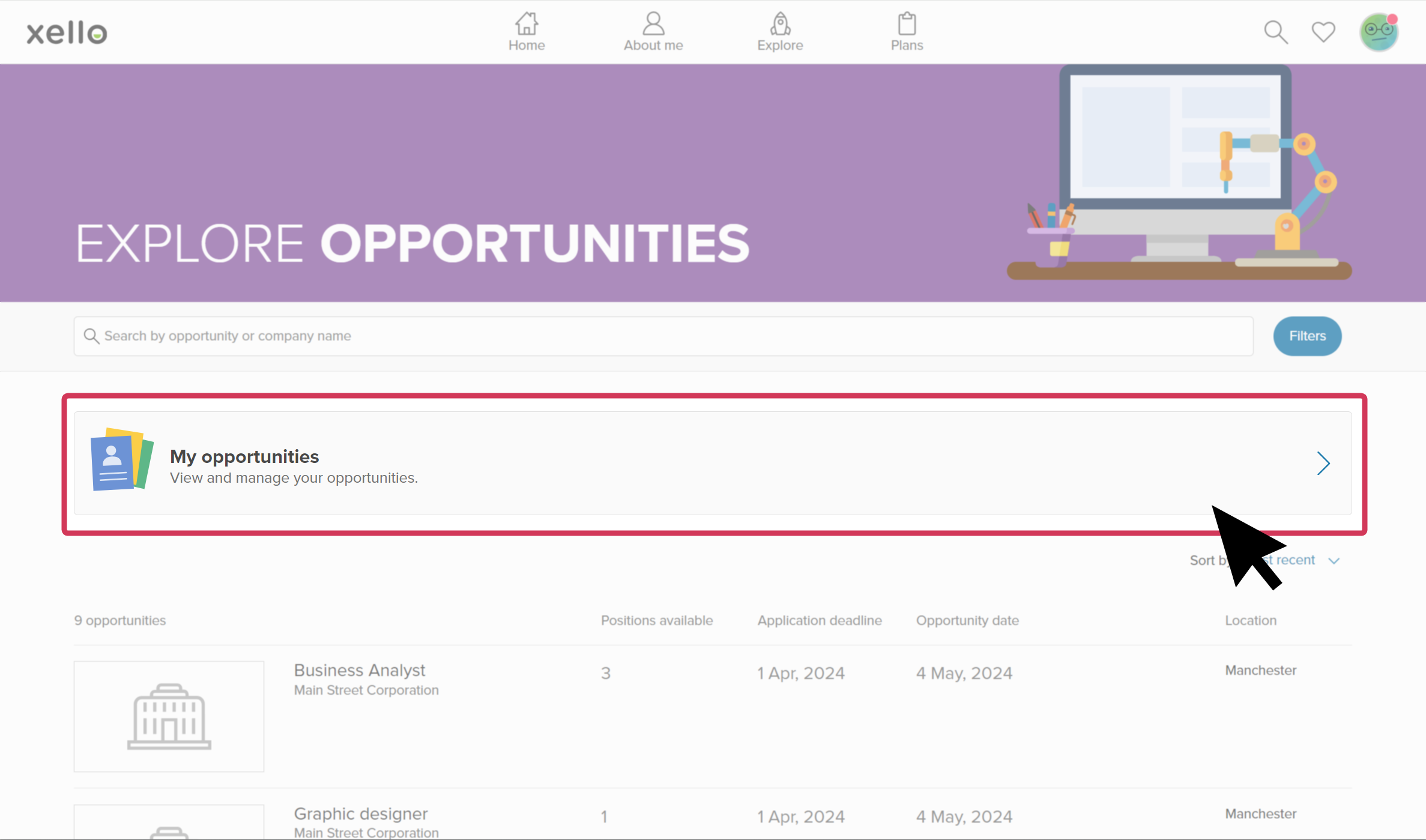
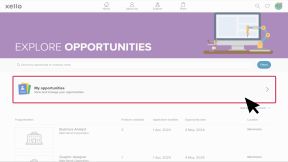
If students have an active opportunity they're in the process of completing, they can access its profile by the banner at the top of the Explore opportunities page.
Additional resources
-
 Short Video
How students request and track Work-related learning opportunities
Short Video
Short VideoHow students request and track Work-related learning opportunitiesWatch this video to learn how students use Xello to find, request, and track Work-related learning (WRL) opportunities. Learn where students find opportunities, how they filter searches, view details, and submit requests. They can also track their opportunities and log hours, while educators can verify hours and monitor requests.
-
 PDF
PDFIntroduction to WRL in Xello
PDF
PDFIntroduction to WRL in Xello -
Short Video
Short VideoHelp students thrive with Work-related learning
Use this short overview video to get an introduction to Xello's Work-related learning module. Learn how this integrated platform opens up a world of discovery for students and educators to better prepare them for an ever-changing world.
-
PDF
PDFOpportunity Coordinator Guide
-
PDF
PDFEducator's Guide to Opportunities