2 minutes
How students access an assignment:
- On their dashboard, students find the assignment in their To-do list.
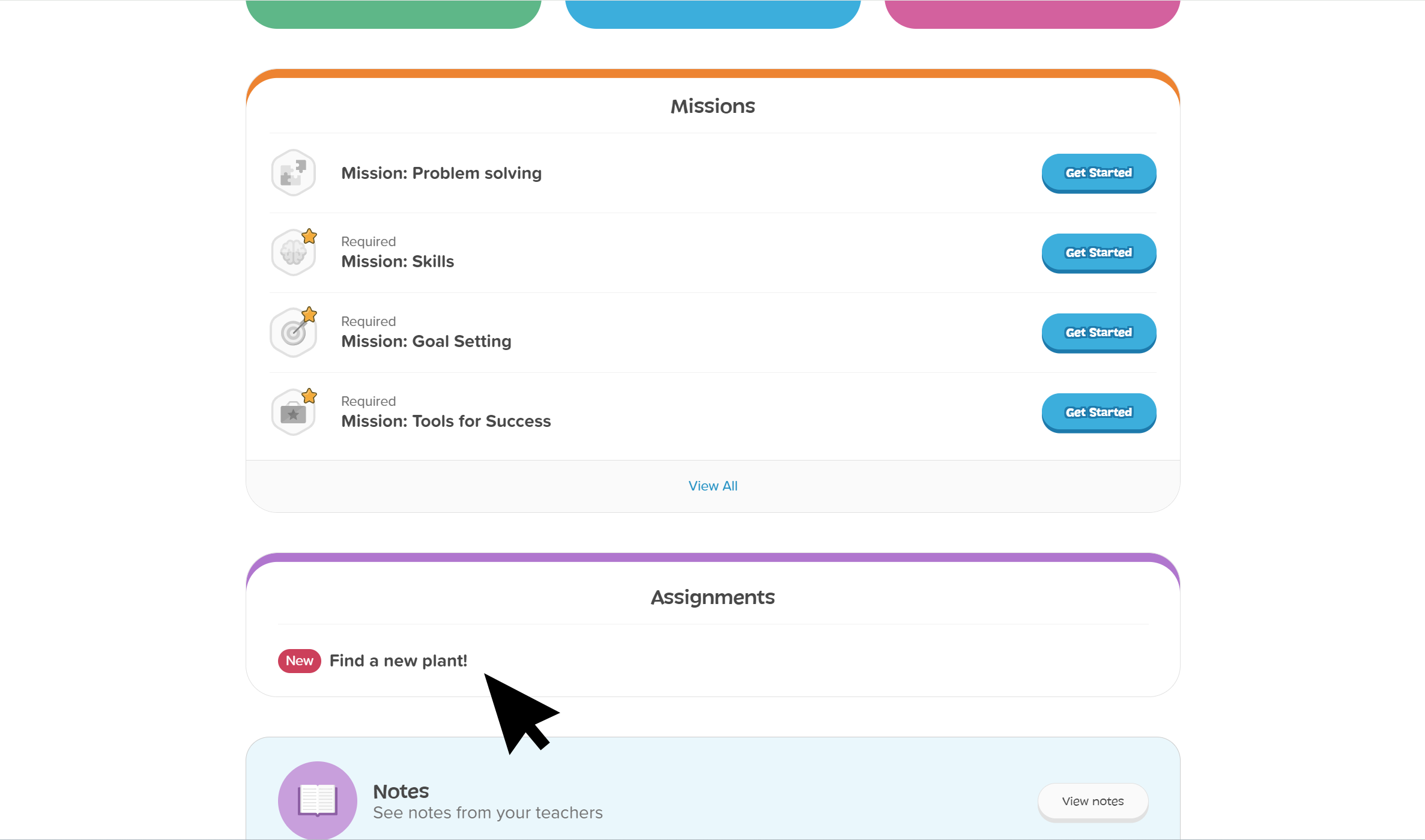 Click to enlarge
- Clicking on the assignment link opens details including instructions, the date the assignment was posted, its due date, and any attachments posted.
- Attachments open in a new tab.
 Note: If you added prerequisites, the assignment will show as "locked" until they finish the required activities. Once they've completed the prerequisites, they'll be able to view the assignment details.