Dig in: Choose a starting point

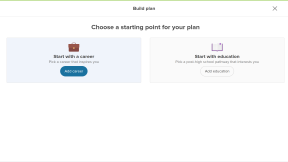
When students start making a plan, they can choose to begin with a Career or pick a path they want to take after high school by clicking on Education. In either case, as they build their plan, they'll later be encouraged to add a career to an education plan or a pathway to a career plan. Additionally, students can make as many plans as they want, so they can always try a new starting point later.
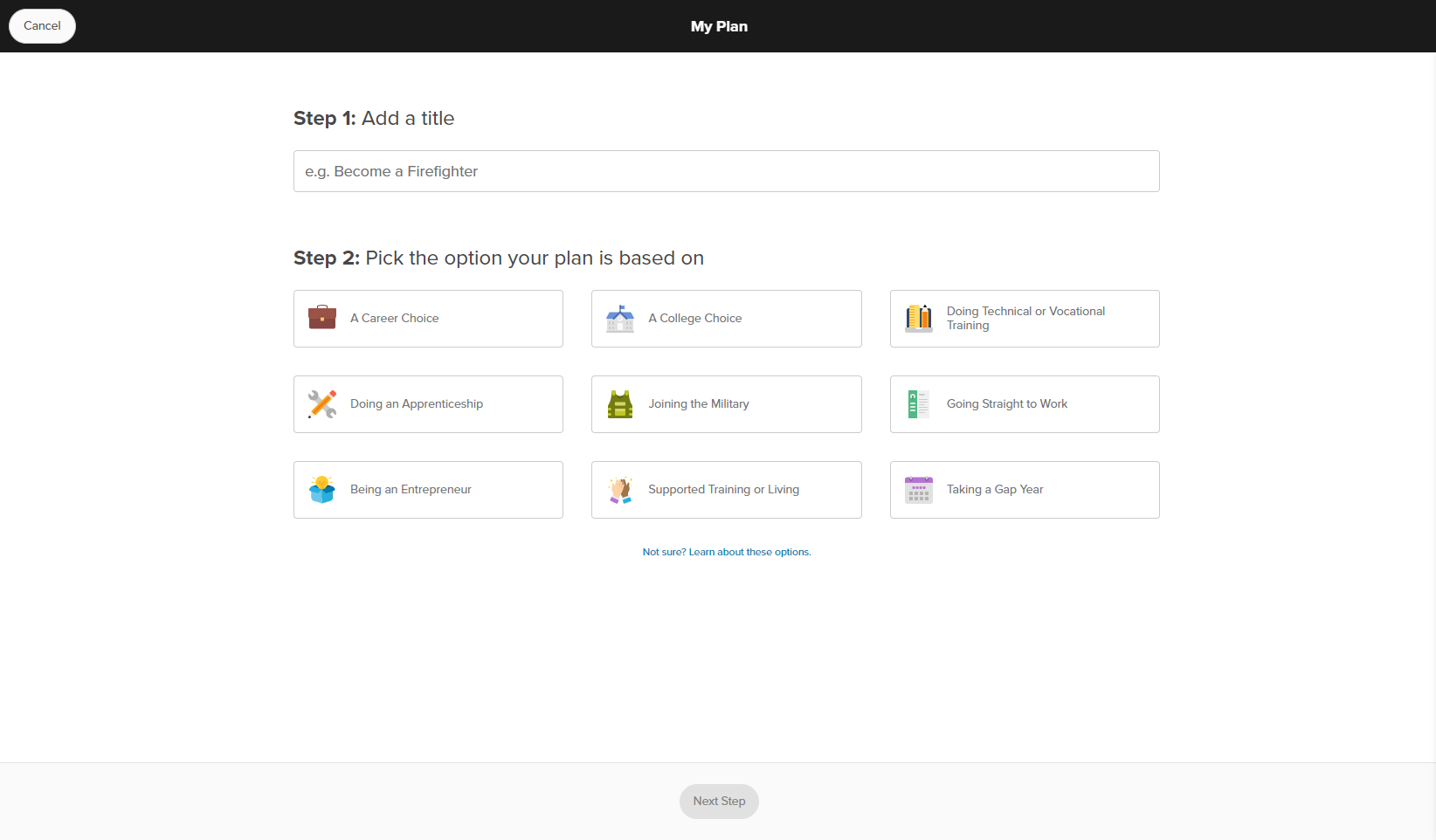
Student account in Xello. The first page of a student building a plan. There are two starting points to choose from: career or a post-high school path that starts with education
Click to enlarge
Student account in Xello. The first page of a student building a plan. There are two starting points to choose from: career or a post-high school path that starts with education

If students choose to start with a career, they'll pick one of their saved ones. If they haven't saved any careers, or they want to build a plan for a new one, they can search to find it. After they chosen a career and clicked Done, their plan is in the works!
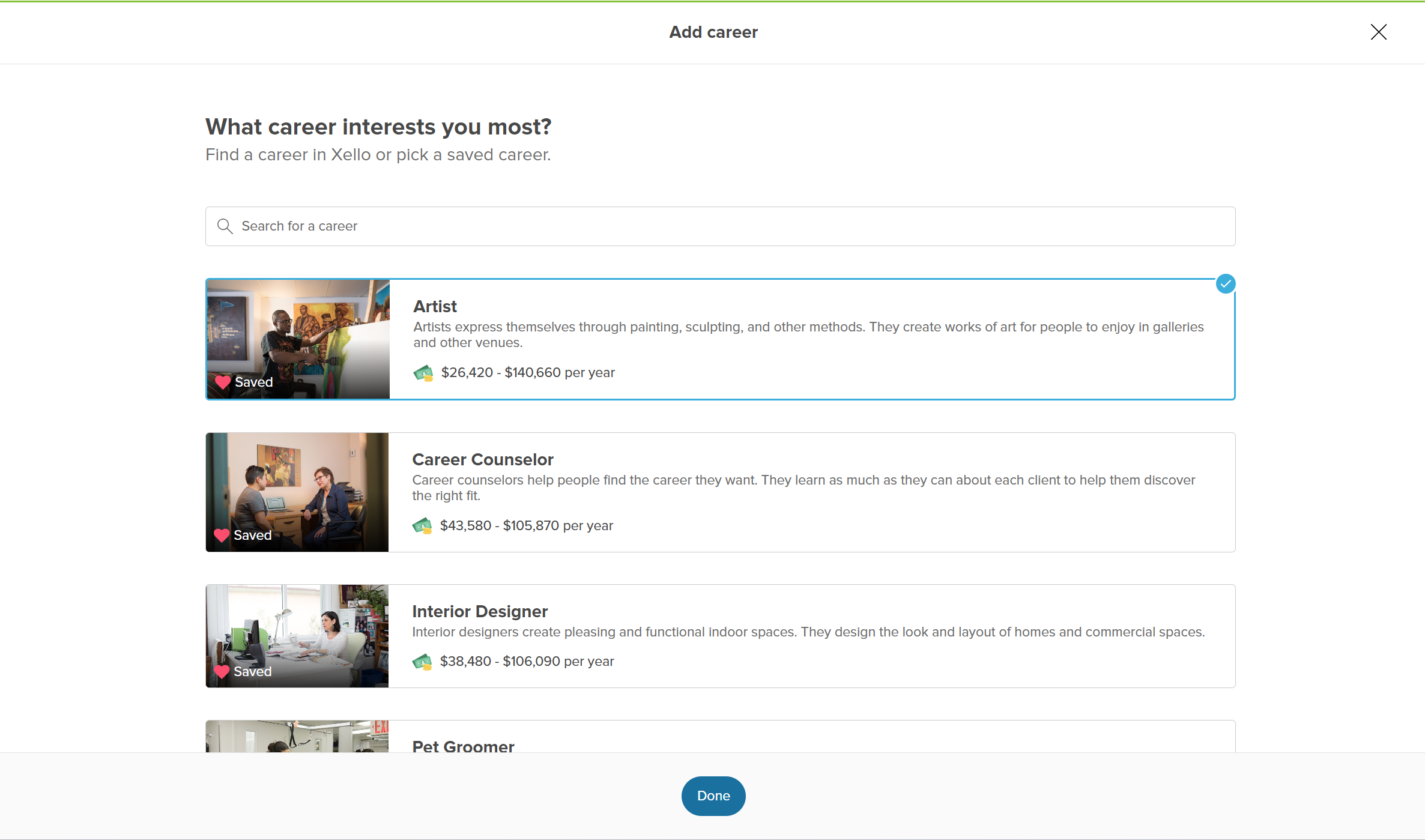
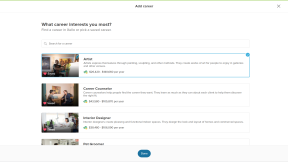
Student account in Xello. The student is choosing one of their saved careers to begin building their plan.
Click to enlarge
Student account in Xello. The student is choosing one of their saved careers to begin building their plan.

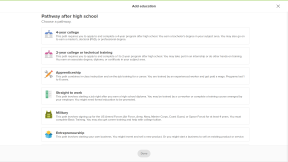
If they choose to start with education, the next page will be a list of pathways they can choose from after they've finished high school. The options include 4-year college, apprenticeship, military, gap year, and more.
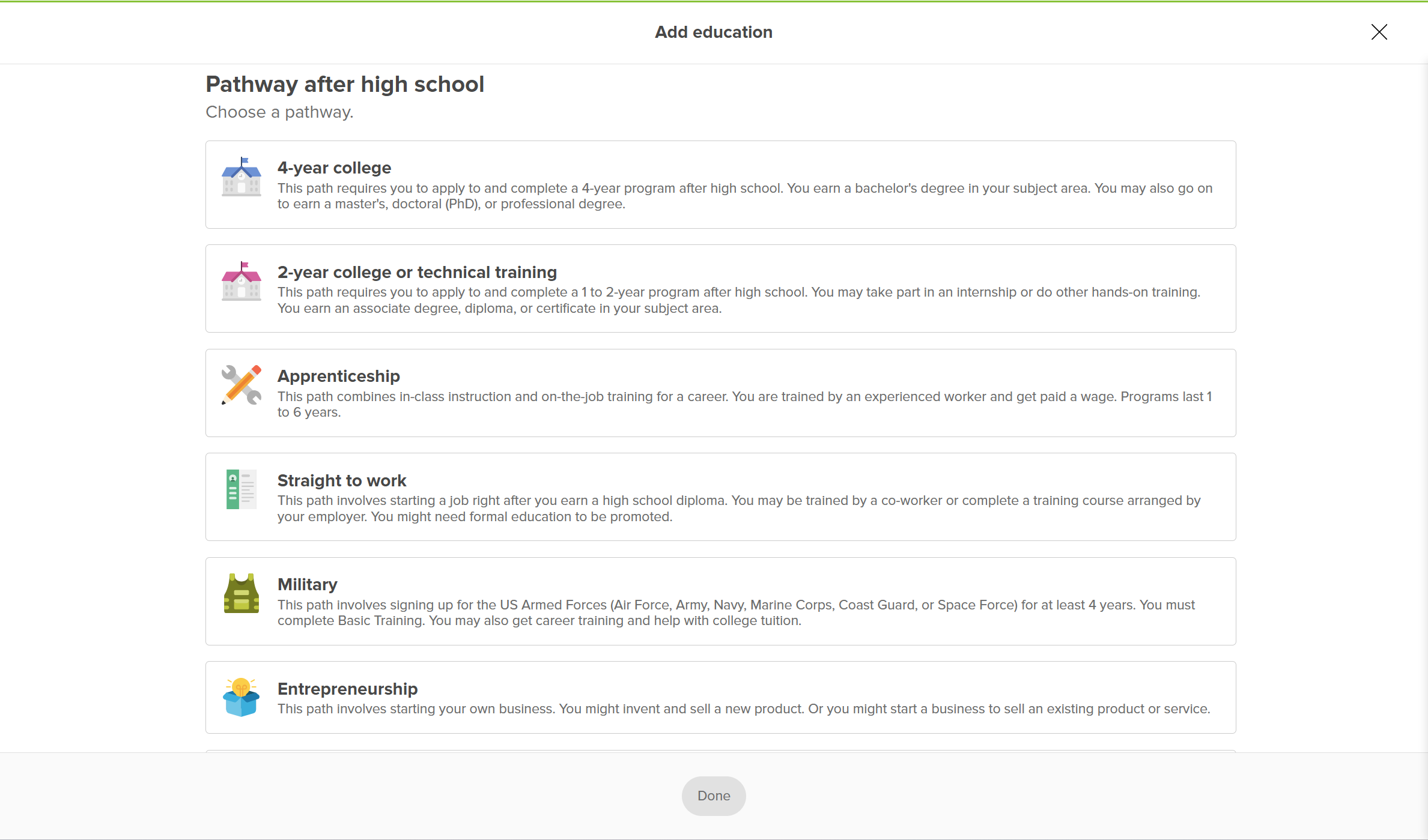
Student account in Xello. A student is building a plan and this is the add Pathway after school page.
Click to enlarge
Student account in Xello. A student is building a plan and this is the add Pathway after school page.

A helpful Learn more about pathways link at the bottom of the list will open brief explanations of each pathway, plus a chance to read a full profile. They'll be able to watch a short video, view sample careers typical to that pathway, and view any finances or education required.
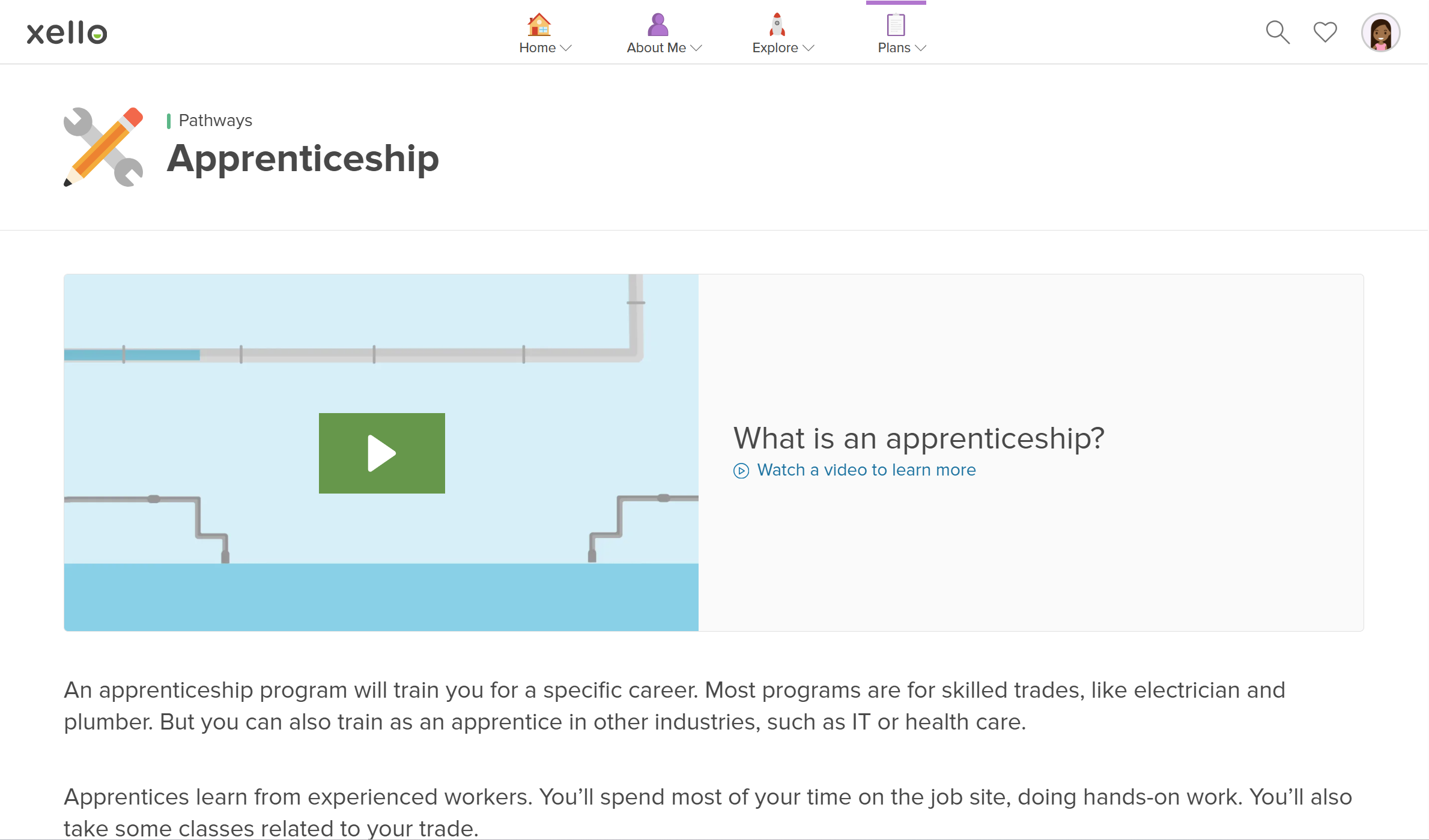
Student account in Xello. The pathway profile of Apprenticeship is open. There is a video called What is an apprenticeship?
Click to enlarge
Student account in Xello. The pathway profile of Apprenticeship is open. There is a video called What is an apprenticeship?

Depending on the pathway they choose, they'll be prompted to add more information. For example, if they choose 4-year college, they'll need to choose a credential or training, such as bachelor's degree, master's degree, doctoral degree (PhD), or professional degree. Then they'll need to select a school (one of their saved ones if they offer the credential or they can search for a new one). Once they've completed any prompts and clicked Done, their pathway plan is ready for finessing!