 Back to learning modules
 Chapters
Dig in: Quick links & student work
Quick links
To explore other parts of Xello, check out the quick links: Home, About Me, Explore, and Plans. These links are accessible from the top menu of any page.

Use each of these sections to guide yourself as a student through the a journey of self-discovery, exploration, and goal-setting. These same sections can be found under the Quick links on the dashboard.
- Home and the Xello logo will take you to the dashboard
- About Me is where you'll build a profile of self-knowledge
- Clicking Explore will have you exploring your options
- Plans is where you'll begin to build out your future!
Student work
Within the Home menu, you'll find the Assignments section where schoolwork posted by educators will show. If an assignment has been uploaded, you will see educator instructions, be able to download files, and once it's complete, submit your assignments by uploading your work — all within Xello.
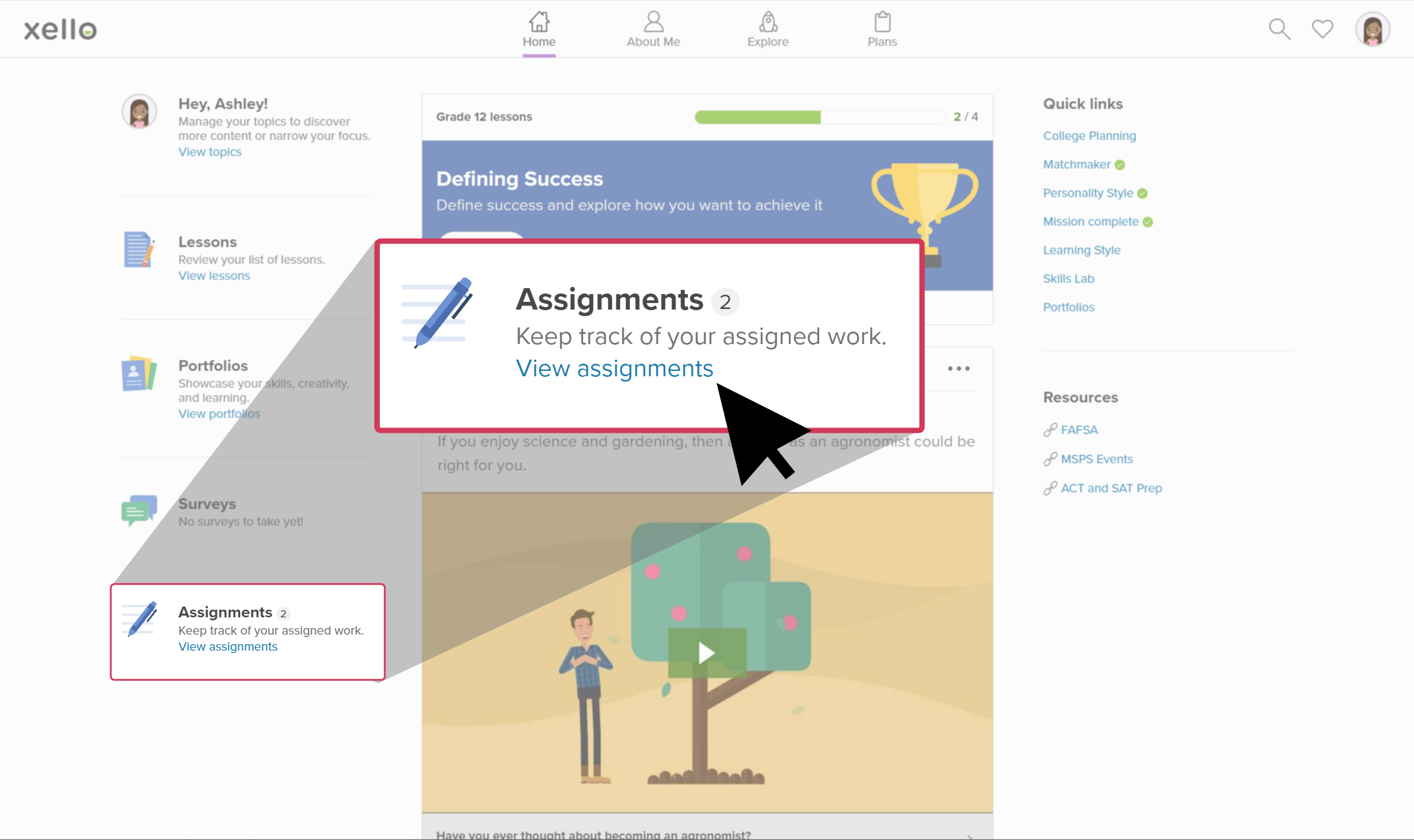
In the Home menu, you'll also find Portfolios and Surveys so you can quickly access these key features from any page in Xello. Students can create and edit professional portfolios to present to potential employers. Any surveys you or your school have uploaded can be completed in the Surveys section.
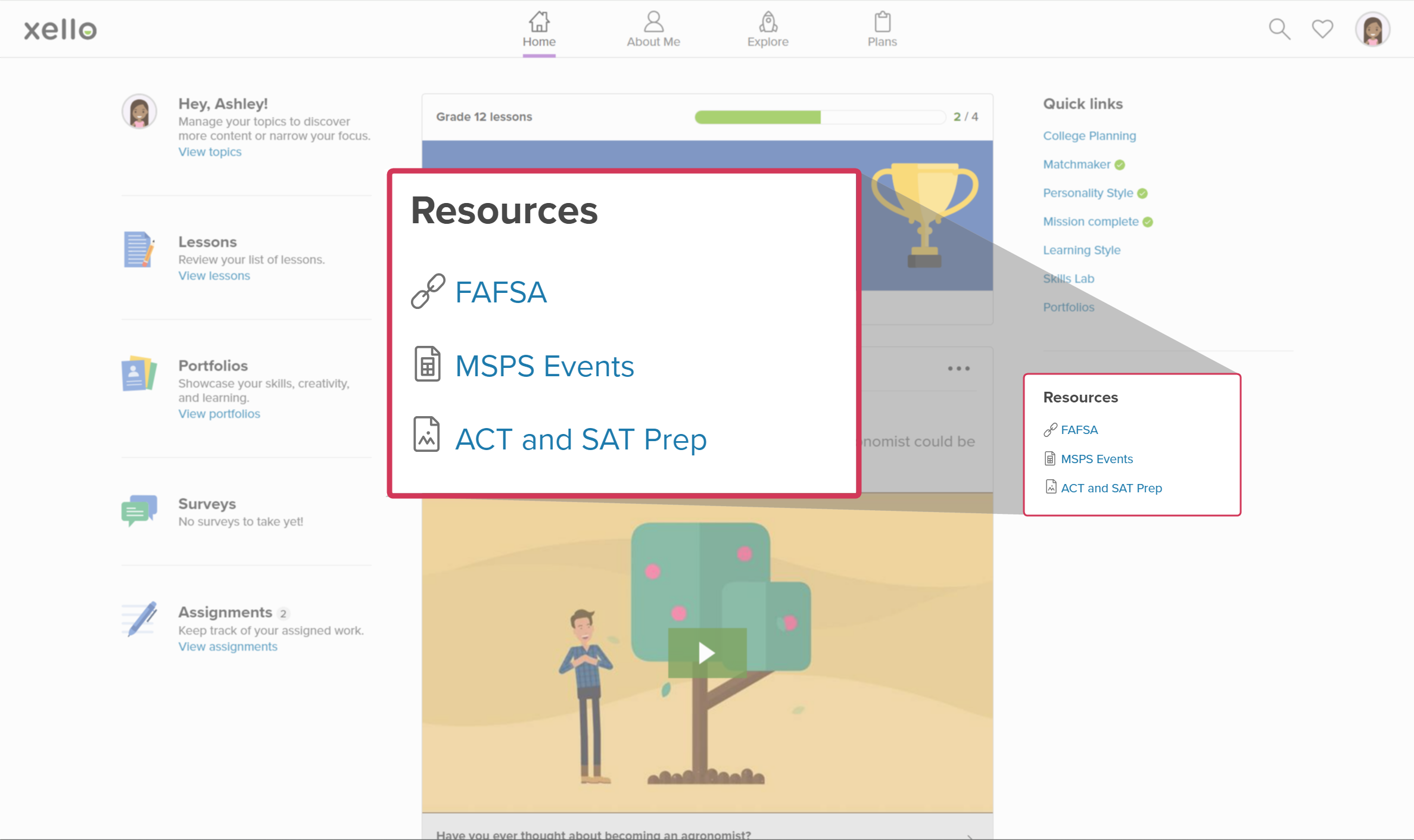
The Resources area is where you’ll find external supporting materials. Don’t worry if there’s nothing in this space now — as your school expands its use of Xello, this section will grow over time with additional tools.
Dashboard feed
Also on the dashboard is the personalized feed. You can browse through the various articles, videos, images and other information relating to the careers, schools, majors, and topics you've saved as you've interacted with features in Xello. The more activities you complete in Xello, the more curated information you'll get based on your interactions.
