2 minutes
In Goals & Plans, students are introduced to the concept of goal setting. With a short, character-driven video they learn why goal setting is important and the fundamentals of proper goal setting. After this tutorial they’re able to fill in their own goals and describe why it matters, and are then prompted with possible steps they can take to help achieve that goal.
How to view goals and future jobs your students have added to Xello:
-
In the search bar located at the top of any page in your educator account, enter the student's name or ID.
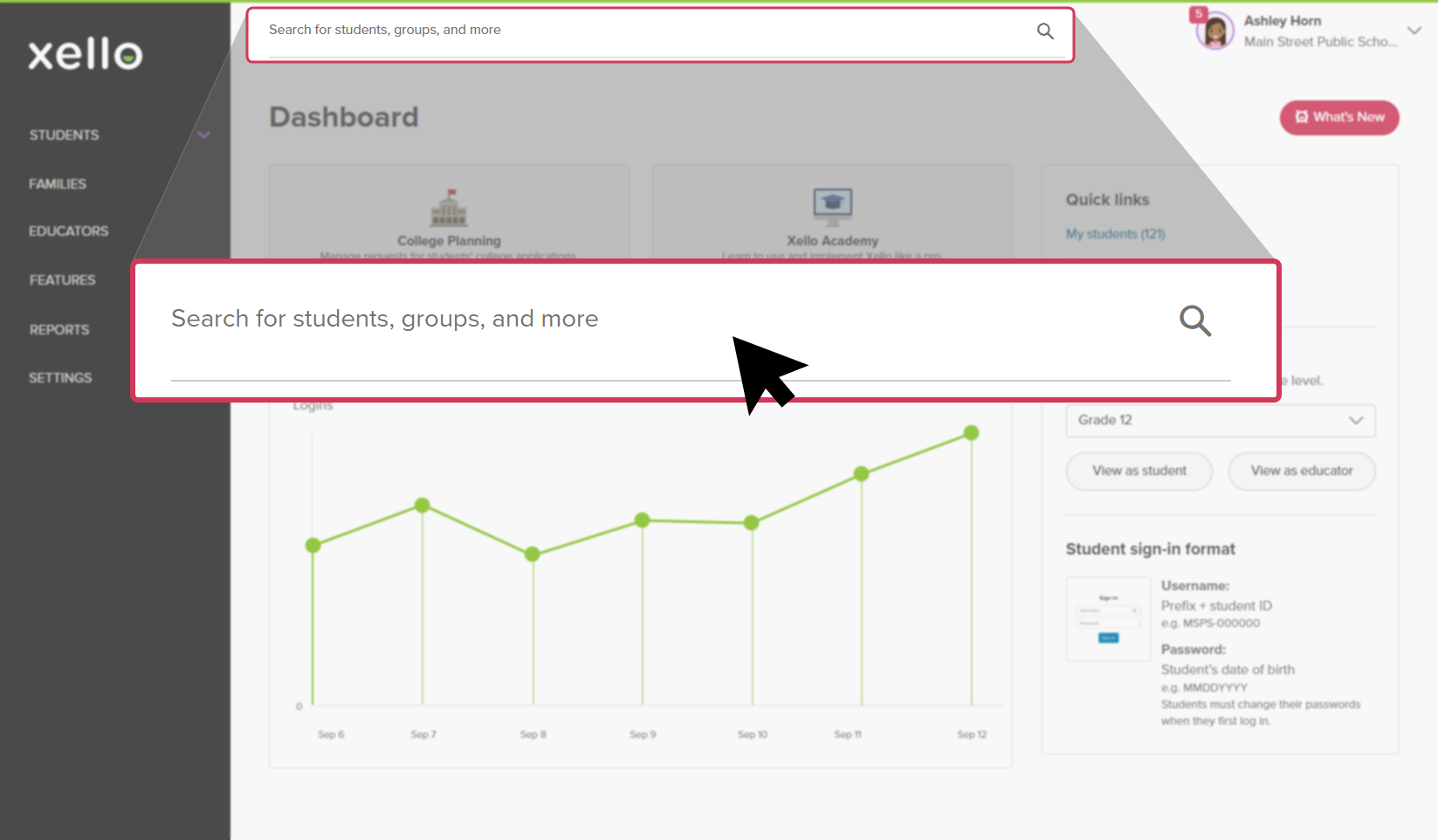 Click to enlarge
 Tip: Alternatively, from the left menu, click Students and select Student list to browse the full list of students.
 -
Click on the student's name. The About student tab of their profile opens.
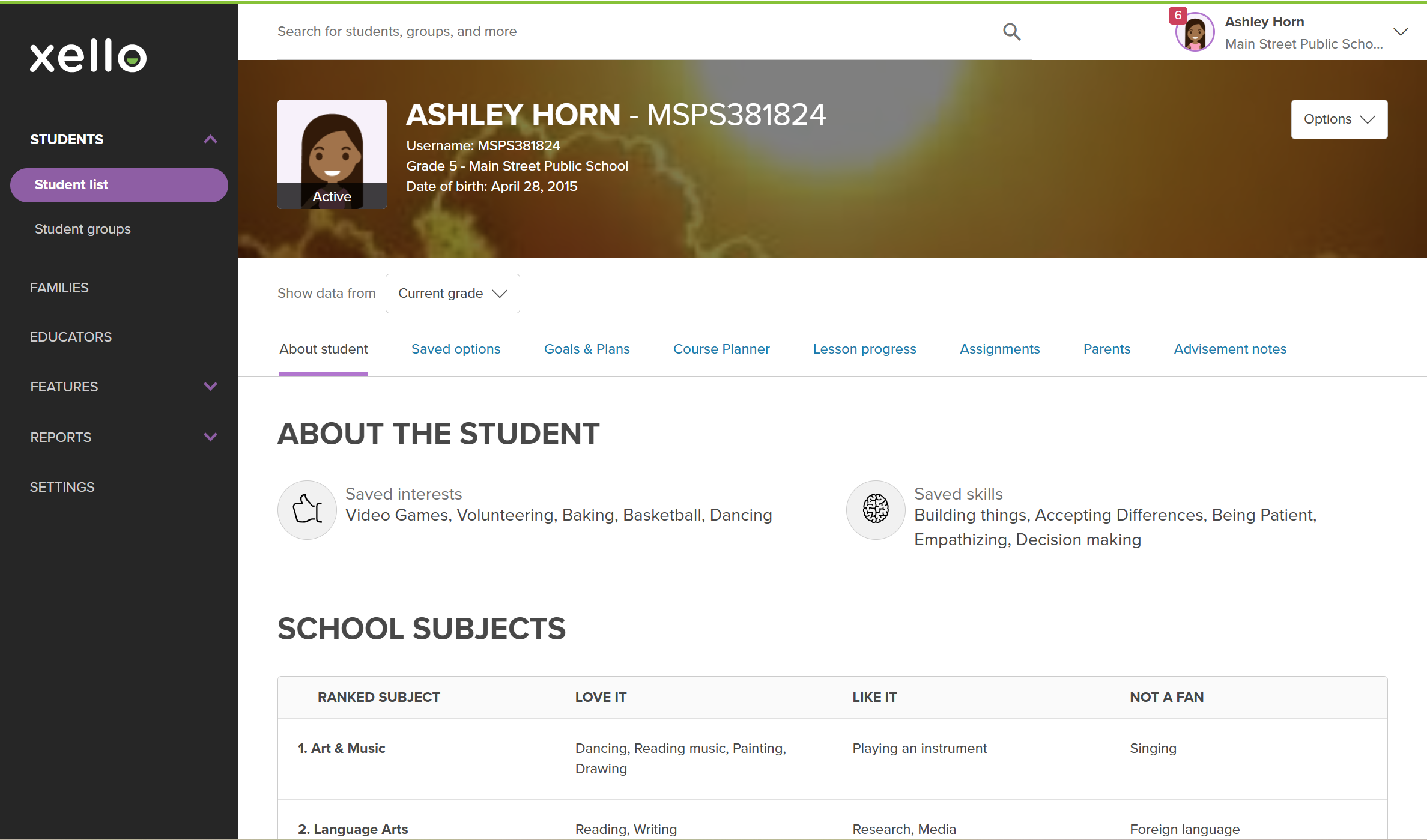 Click to enlarge
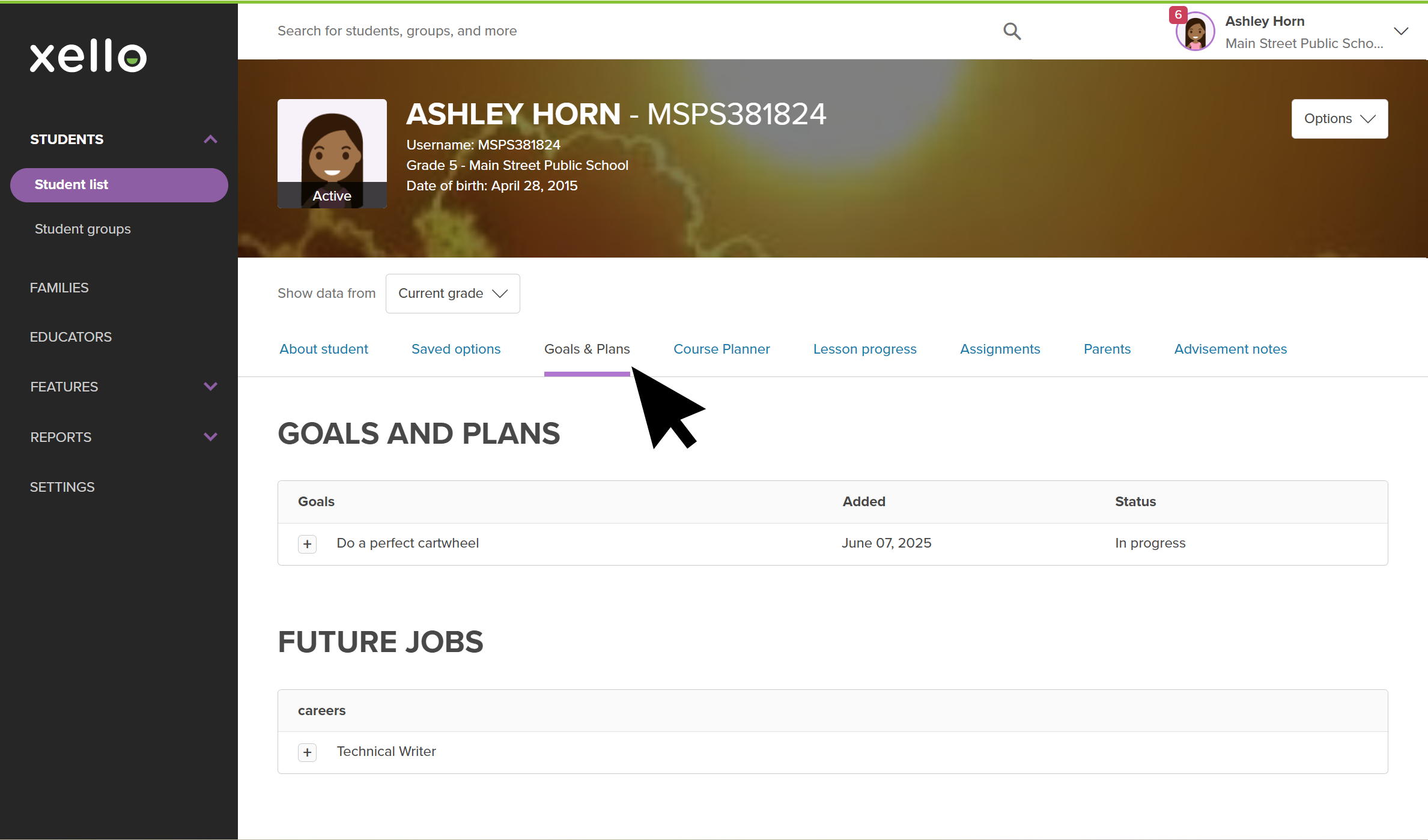
- Click the Goals & Plans tab.
 Click to enlarge
- Scroll down to see their added goals and future jobs. Click + icon to open and view more details.