minutes
Students use the Future Jobs activity to to start thinking about careers as potential future goals by reflecting on what excites them about the careers they have liked.
From their My Goals page, students add a future job and reflect on that career.
How students add a future job in Xello:
- From their dashboard, they click My Goals.
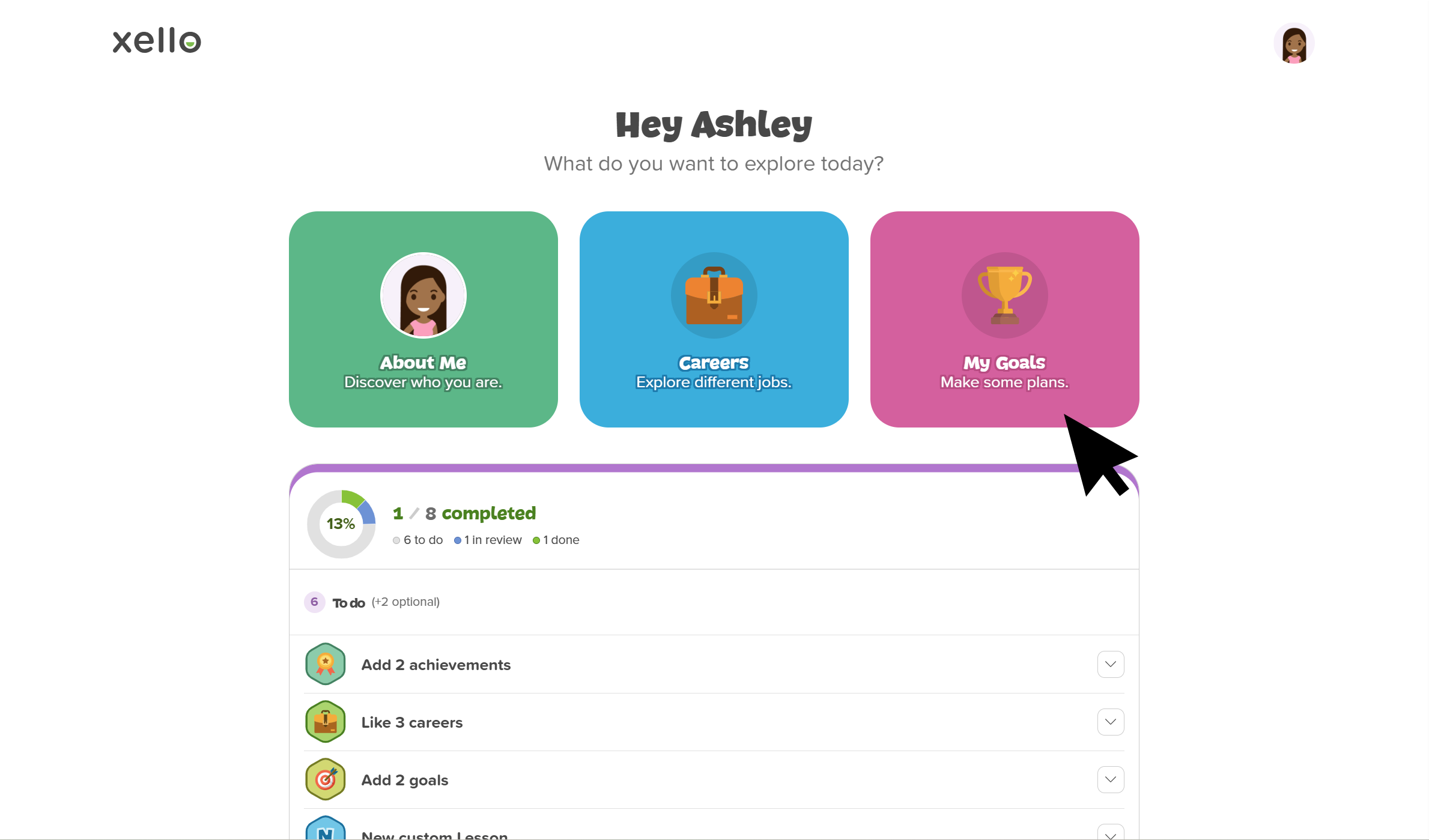 Click to enlarge
- They click the What I Want to Be card to open a page with their liked careers.
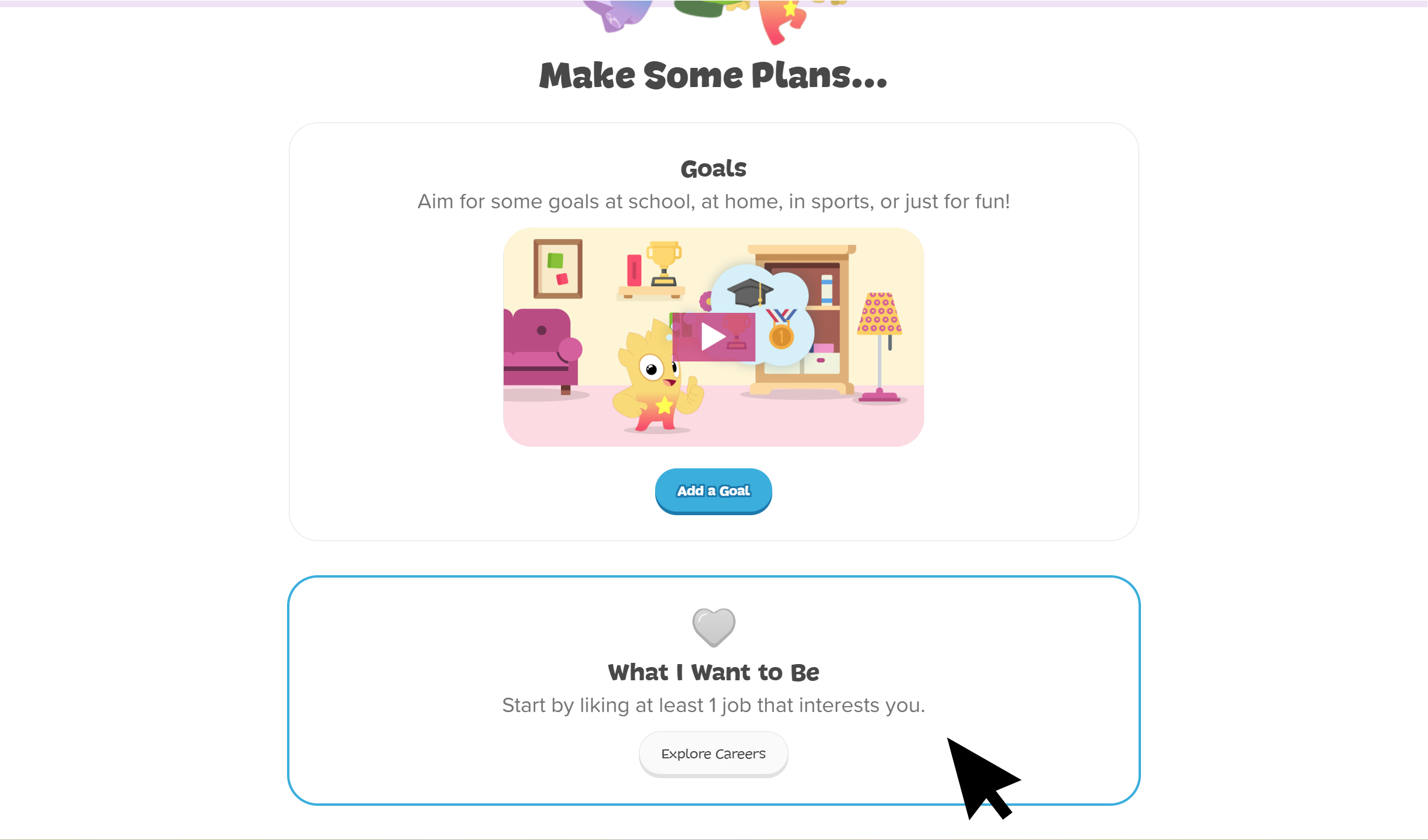 Click to enlarge
- If they have not saved a career yet, they’ll be prompted to explore careers first.
- They choose a career and click Next.
- If they don’t want to use one of their liked careers, they can click Explore more careers to find one not listed.
- They fill in the reflection prompt: “What excites you about this job?”
- To help them answer this question, they can click Idea starters to answer the reflection questions included.
- They click Add Job to save their work and be returned to the My Goals page.
- In the What I Want to Be section, they’ll see the future jobs they’ve added.