7 minutes
You can send a request to parents/guardians of your students to approve their child's course plan using Xello Family. A request can be sent for the upcoming year's course plan. From your educator account, send an individual request or bulk send requests to entire grades or groups. The parent/guardian will receive an email notification alerting them that their child's course plan is ready for review. They'll log in to Xello Family to review and approve the course plan. Then you can run a report to track the approval requests that have been sent out and when, which parents have approved their child's plans, and more.
To help guide parents/guardians on how to approve a student's course plan, share this quick guide with them: Parent/guardian course plan approval for 5th grade
 Note: The parent/guardian approval setting needs to be turned on by an admin. If you don't see the option to send a request, the setting is not turned on at your school. Check out Change Course Planner settings to learn more.
Send a course plan approval request
When your student has submitted their course plan, you can request approval of their course selection from the parent/guardian.
To send a course planner approval to a parent/guardian:
-
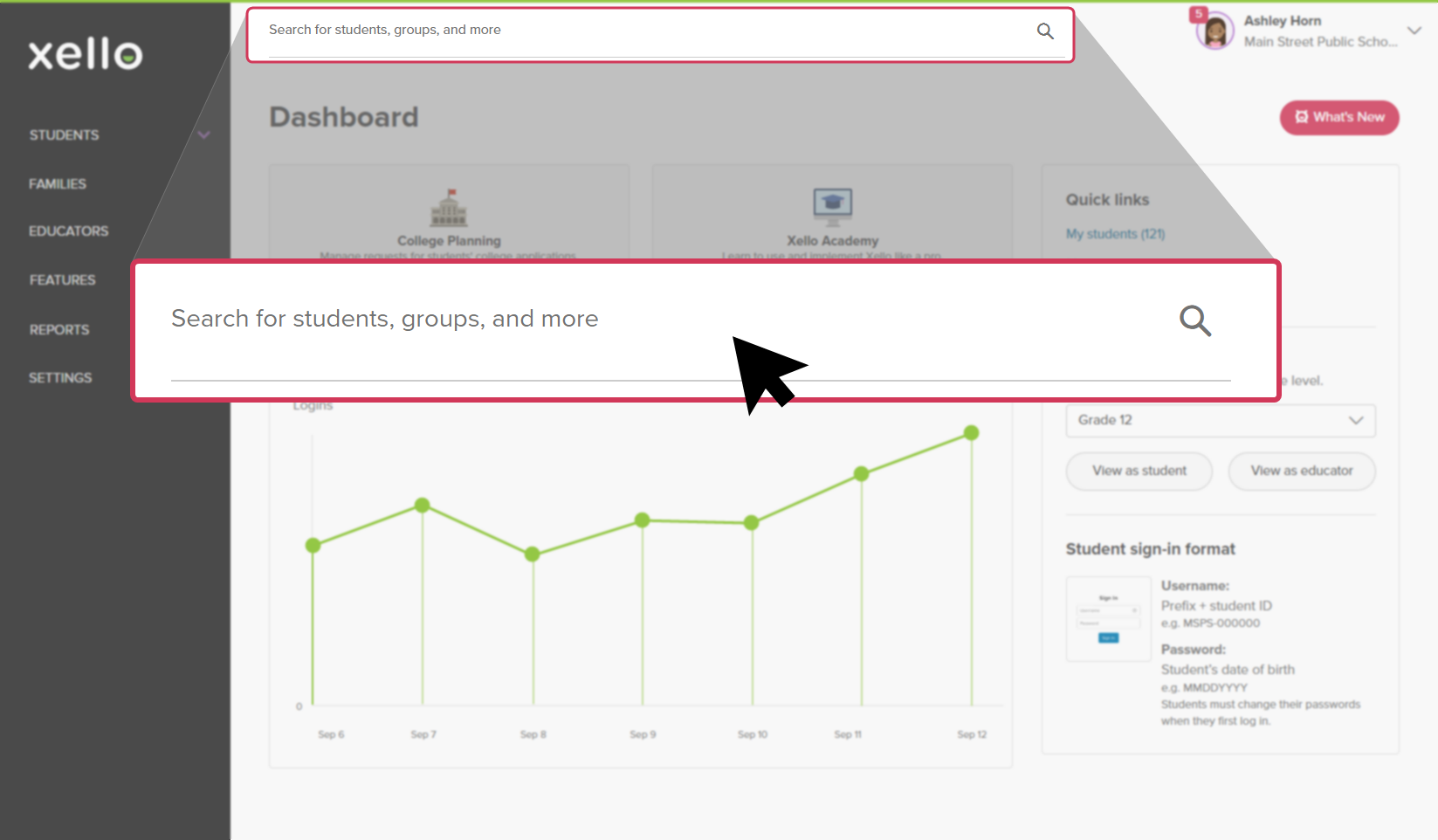
In the search bar located at the top of any page in your educator account, enter the student's name or ID.
 Click to enlarge
 Tip: Alternatively, from the left menu, click Students and select Student list to browse the full list of students.
 -
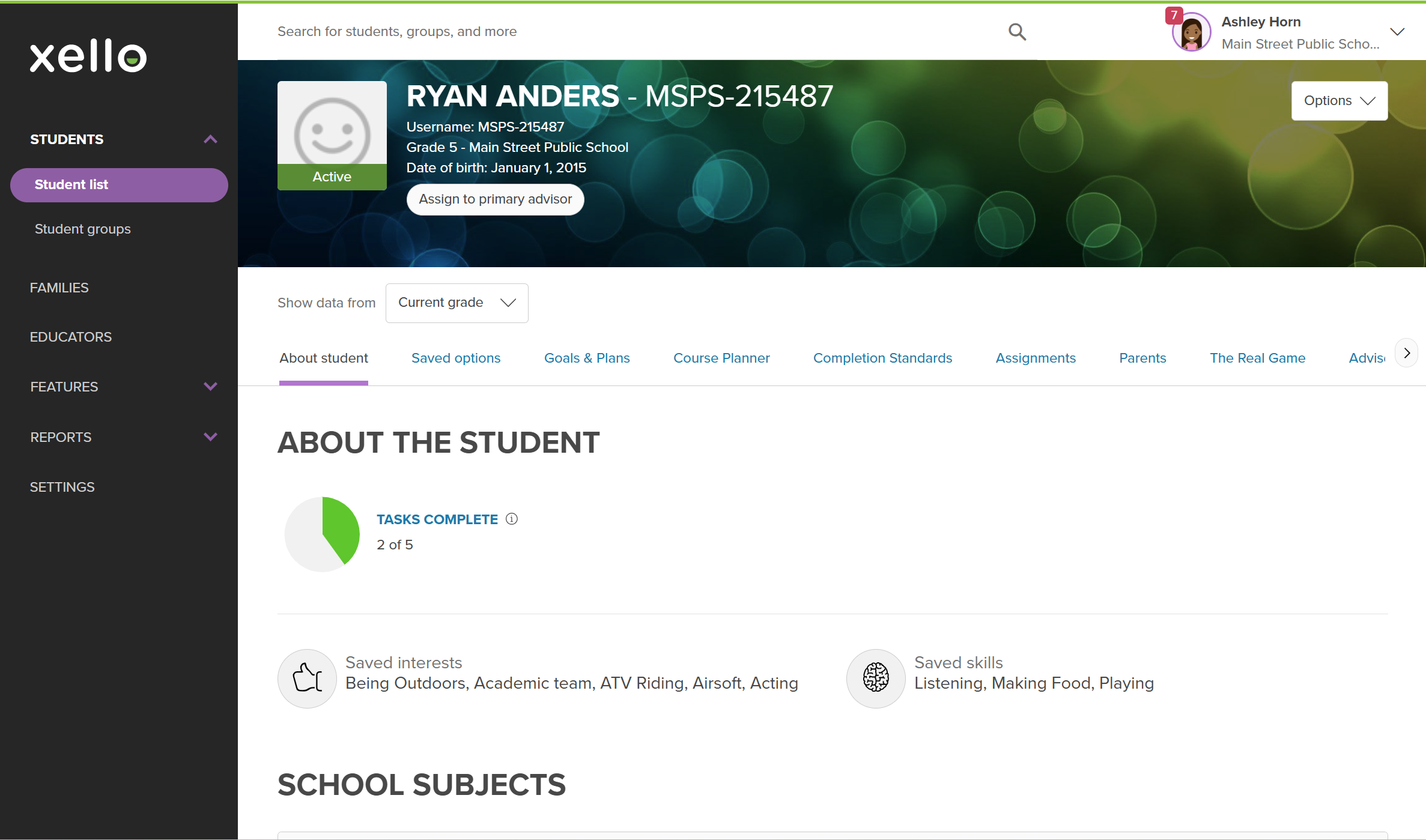
Click on the student's name. The About student tab of their profile opens.
 Click to enlarge
- Click the Course Planner tab.
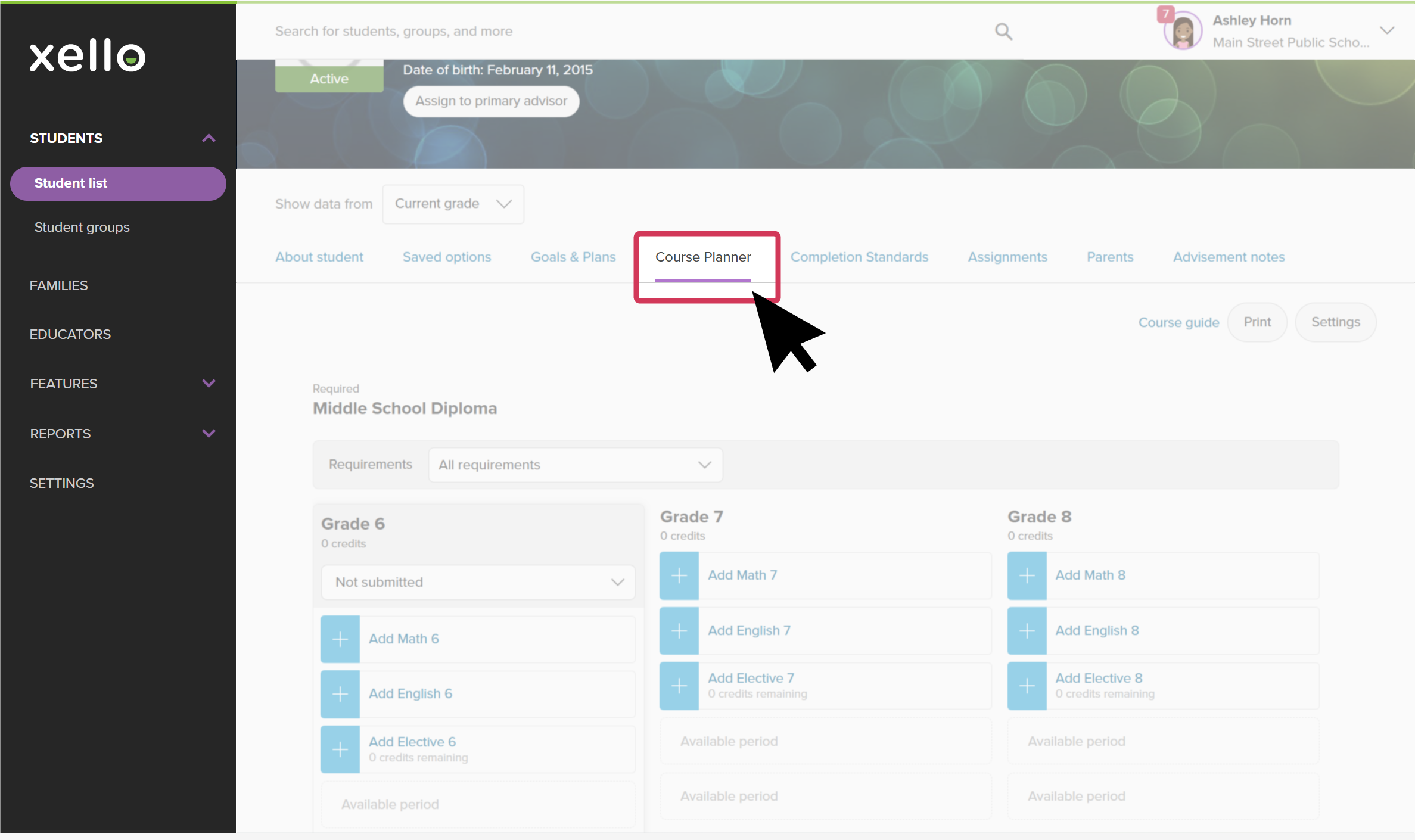 Click to enlarge
- Click Send request to send a request for the upcoming school year course plan.
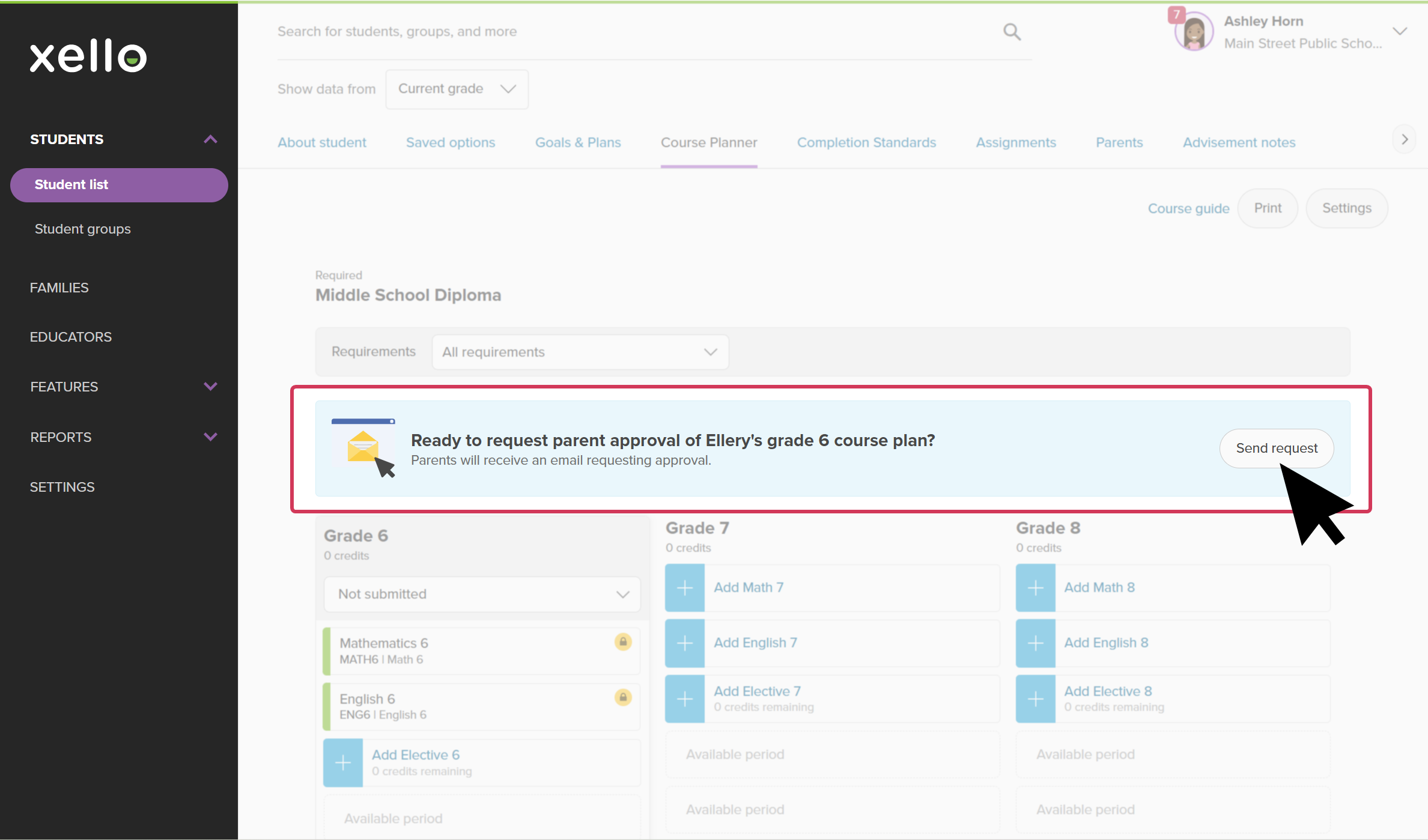 Click to enlarge
 Note: If the parent/guardian hasn't been sent a linking request before, you'll need to add the parent first.
 Back to top
Additional resources
-
 PDF
PDFParent/guardian course plan approval for 5th grade students
PDF
PDFParent/guardian course plan approval for 5th grade studentsA quick guide to be shared with parents/guardians of students in 5th grade to walk them through approving their child's course plan in Xello.
-
PDF
PDFWork with middle school course plans - guide for educators
Use this guide to support middle school students in creating their course plans in Xello, helping them stay on track and have confidence in their choices.
-
 Short Video
Plan your middle school courses in Xello - video for students New
Short Video
Short VideoPlan your middle school courses in Xello - video for students NewCheck out and share this video with students to learn how Xello's Course Planner helps middle school students practice building course plans. They use it to learn more about the electives that interest them and develop their decision-making skills.
-
Short Video
Short VideoCourse Planner for middle school educators - video for educators New
Xello's Course Planner allows middle school students to practice building course plans, helping them develop their decision making skills. Middle school counselors and educators can efficiently utilize Course Planner to support their students in designing a realistic education plan that sets them up for success. Watch this short video to learn more.
-
PDF
PDFCourse Planner annual tasks guide
Download this guide for helpful reminders on what to review and update in Xello's Course Planner each year.
 Select